





Invoice OCR: How OCR Helps Simplify Invoice Processing

Mekari Insight
- Invoice OCR uses Optical Character Recognition to extract information from invoices and turn PDFs, scans, and images into usable digital data.
- OCR can capture common invoice fields such as vendor names, invoice numbers, dates, taxes, totals, and line items.
- Invoice OCR reduces repetitive data entry and can help finance teams process higher invoice volumes, while extracted information still needs to be checked.
- OCR works as one part of invoice processing, where captured data can continue into verification, approval, and payment workflows.
- Mekari Expense connects OCR with Purchase Invoice Management, allowing extracted invoice data to continue into review, approval, and payment workflows.
Processing a supplier invoice can involve more work than simply checking the amount due. Processing an individual supplier invoice takes an average of 41 minutes, while 79% of businesses reported spending more time on manual AP data entry than the previous year, according to Tipalti’s research.
Part of that time goes into reading invoice documents and transferring their details into a finance system. Invoice OCR addresses this data-capture step by reading information from an invoice and converting it into digital data that can be used in the next stage of processing.

What Is Invoice OCR?
Invoice OCR is the use of Optical Character Recognition (OCR) to extract text and information from invoice documents. It can read content from scanned invoices, images, and image-based PDFs and convert that information into machine-readable data. IBM explains OCR as a way to convert text from images into data that computers can process.
Invoice OCR focuses on fields that matter when recording and processing an invoice, including the vendor name, invoice number, invoice date, due date, purchase order number, tax, and total amount. Depending on the document and technology, it can also identify line-item details such as descriptions, quantities, and unit prices.
The distinction between OCR and invoice processing is important. OCR extracts information from the document, while OCR in accounts payable supports the data-capture stage before verification, approval, matching, and payment. The broader accounts payable process can therefore include OCR without being limited to it.
How Does Invoice OCR Work?
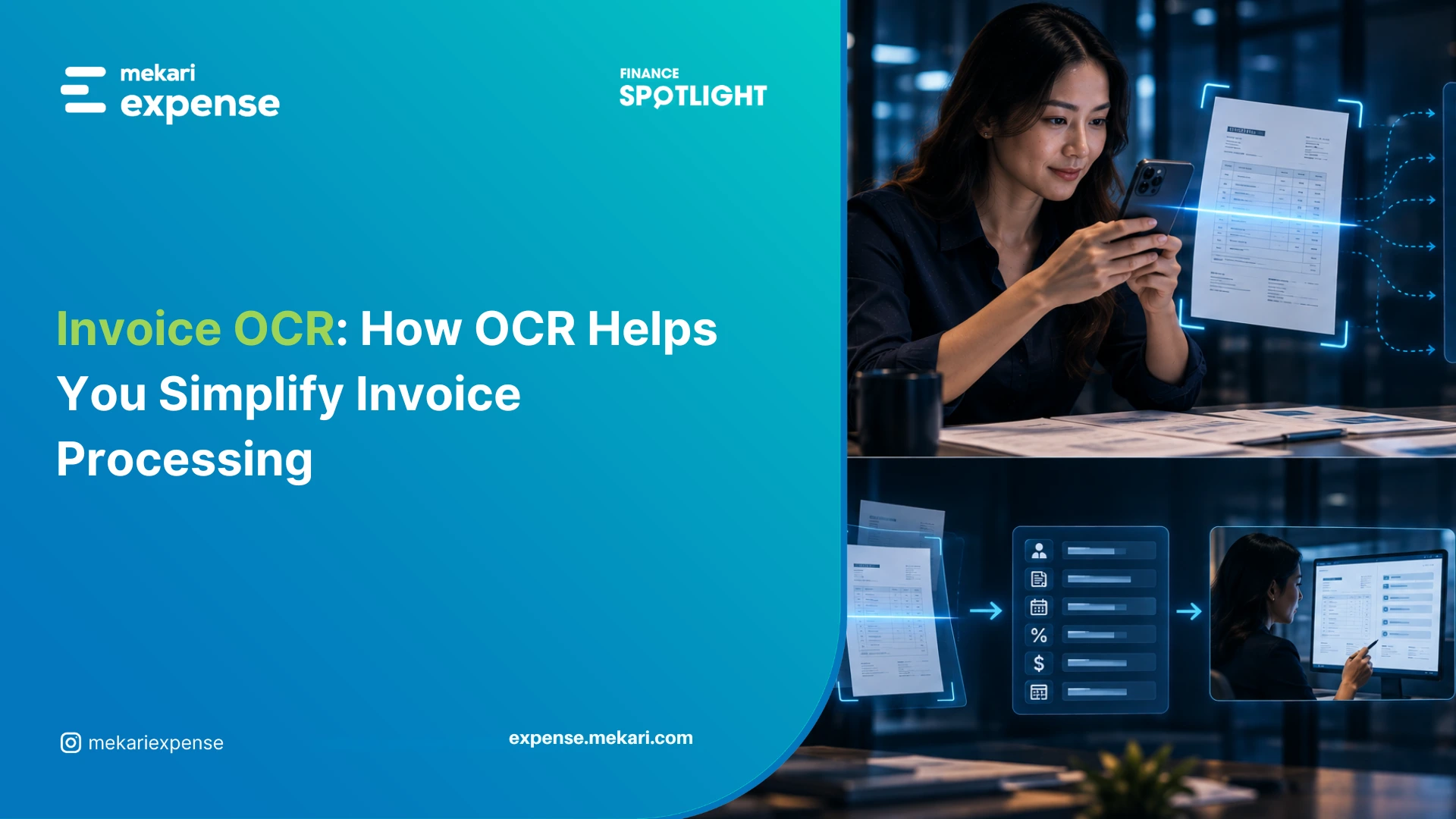
An OCR invoice processing workflow can be reduced to four stages: capture the document, recognize the text, extract the relevant data, and move that data into the invoice process.
1. Capture the invoice
The invoice first enters the workflow as a PDF, image, scan, or email attachment. This is the invoice capture stage, where the document is collected before its information is read.
2. Recognize the text
OCR analyzes the characters in the document and converts information contained in an image or scan into digital text. Printed text is the most common use case, while some OCR systems can also process handwritten content.
3. Extract invoice data
The system then identifies the fields that matter for the invoice record. Rather than returning all the words on a page as one block, invoice OCR can distinguish the vendor, invoice number, date, tax, total, and other relevant information.
This is where OCR invoice extraction differs from simple document scanning. The goal is to produce usable invoice data, not just a digital copy of the document.
4. Move the data into invoice processing
Once the information has been extracted, it can move into the next stage of the workflow. The invoice may then be reviewed, checked against supporting documents, routed for approval, or prepared for payment.
The flow looks like this:
Invoice received → Document captured → Data extracted → Information reviewed → Invoice processed
OCR therefore handles the data-capture stage rather than the full invoice lifecycle.
What Information Can Invoice OCR Extract?
Invoice OCR can help you capture the information commonly needed to record and review vendor invoices.
| Invoice field | Example |
|---|---|
| Vendor name | ABC Supplies Ltd. |
| Invoice number | INV-2026-0145 |
| Invoice date | September 5, 2026 |
| Due date | October 5, 2026 |
| Purchase order number | PO-2026-0089 |
| Line-item description | Office chairs |
| Quantity | 20 |
| Unit price | $150 |
| Tax | $300 |
| Total amount | $3,300 |
Basic fields such as vendor names, invoice numbers, dates, and totals are common extraction targets. Invoice line-item OCR requires more detailed recognition because descriptions, quantities, and prices are usually arranged in tables and need to remain associated with the correct item.
The layout also matters. Two suppliers may provide the same information in different positions, so the OCR system needs to identify the relevant fields without relying only on fixed locations.
Read more: Spend Data Management Guide
How Can OCR Help With Invoice Processing?
The practical value of OCR is that it can reduce the work you need to do to get invoice information into a usable record.
Reduce manual data entry
Without OCR, you may need to open the invoice, locate the required fields, and enter those values into another system. OCR can extract that information directly from the source document, reducing the repetitive typing involved in each invoice.
This becomes more noticeable when the same fields have to be entered across invoices from many vendors. Instead of transferring routine details one by one, the team can start by reviewing captured information.
Reduce transcription errors
Manual entry can introduce simple mistakes, such as a mistyped invoice number or incorrect amount. 47.1% of respondents reported data errors and discrepancies as a process challenge, which can delay invoice approval or processing.
OCR can reduce errors introduced during manual copying because the information is extracted from the source document. It does not eliminate errors altogether, so the captured data still needs to be checked.
Handle higher invoice volumes
Manual data capture adds another round of reading and typing for every invoice. As the number of documents increases, the time spent on that first step grows with it.
OCR can take over the initial capture step without requiring someone to manually enter every field. For an AP team dealing with a steady flow of vendor invoices, that can keep data entry from becoming the bottleneck.
Read more: Invoice Tracker: Free Template & Automate Tracker Alternative
What Are the Limitations of Invoice OCR?
Invoice OCR works best when the source document is clear and the information is presented in a format the system can interpret. A clear, well-structured invoice is easier to extract than a blurry scan or an unusually formatted document, so some invoices still require manual correction.
Document quality affects extraction
Low-resolution images, distorted scans, handwritten content, and dense tables can make characters or field relationships harder to recognize. A document can contain all the necessary information and still produce an incomplete or incorrect extraction.
This is particularly relevant to line-item data, where several values may appear close together and need to be associated with the correct product or service.
Extracted data still needs validation
OCR can capture an invoice number or amount, but it does not determine whether that information is correct in the context of the transaction. Finance teams may still need to compare an invoice with a purchase order, receiving record, vendor information, or internal approval rules.
For example, when an invoice references a purchase order, the team may need to check the order details rather than simply capture the PO number. That broader purchasing process is covered in Purchase Order Management.
OCR handles data capture; finance handles the check.
How Mekari Expense Uses OCR for Invoice Processing
Mekari Expense uses AI-powered OCR to extract key invoice details from uploaded documents and vendor emails, including vendor names, invoice numbers, dates, and amounts.
The captured information can then move into the Purchase Invoice workflow instead of requiring the finance team to enter the same details manually. Mekari Expense supports invoice capture from PDFs and images as well as vendor email attachments, while complex documents may still require manual adjustment.
The next step is Purchase Invoice Management, which provides a central workspace to create, review, edit, approve, and pay vendor invoices.
For example, a vendor can send an invoice as a PDF or JPG attachment, which OCR can read and use to create a draft Purchase Invoice for the finance team to review before continuing with the process.
This puts OCR in the place where it creates the most practical value: capturing invoice information first, then passing that data into the workflow where finance can review and act on it. Mekari Expense’s OCR feature is designed around that invoice-capture use case.
Conclusion
Invoice OCR reduces the repetitive work involved in capturing information from vendor invoices. It can extract common fields, reduce manual entry, and help finance teams keep data capture from becoming a bottleneck as invoice volume grows.
The technology still has limits. Document quality and layout can affect extraction accuracy, and the captured information needs to be checked before an invoice moves through approval or payment.
The useful question, then, is not only whether OCR can read an invoice. It is whether the captured data can move into the process your finance team already needs to complete.
With Mekari Expense, AI-powered OCR connects invoice data capture with Purchase Invoice Management, so information extracted from vendor invoices can continue into review, approval, and payment within the same workflow.