

Feature - Vendor Portal

Modern vendor portal with AI-powered automation

Monitor vendor payment processes to prevent duplication, data errors, and fraud risks with AI technology.

Trusted by many companies in Indonesia

One integrated portal for the entire vendor process

Manage vendor information with real-time transparency and centralized control.

Vendor onboarding (coming soon)

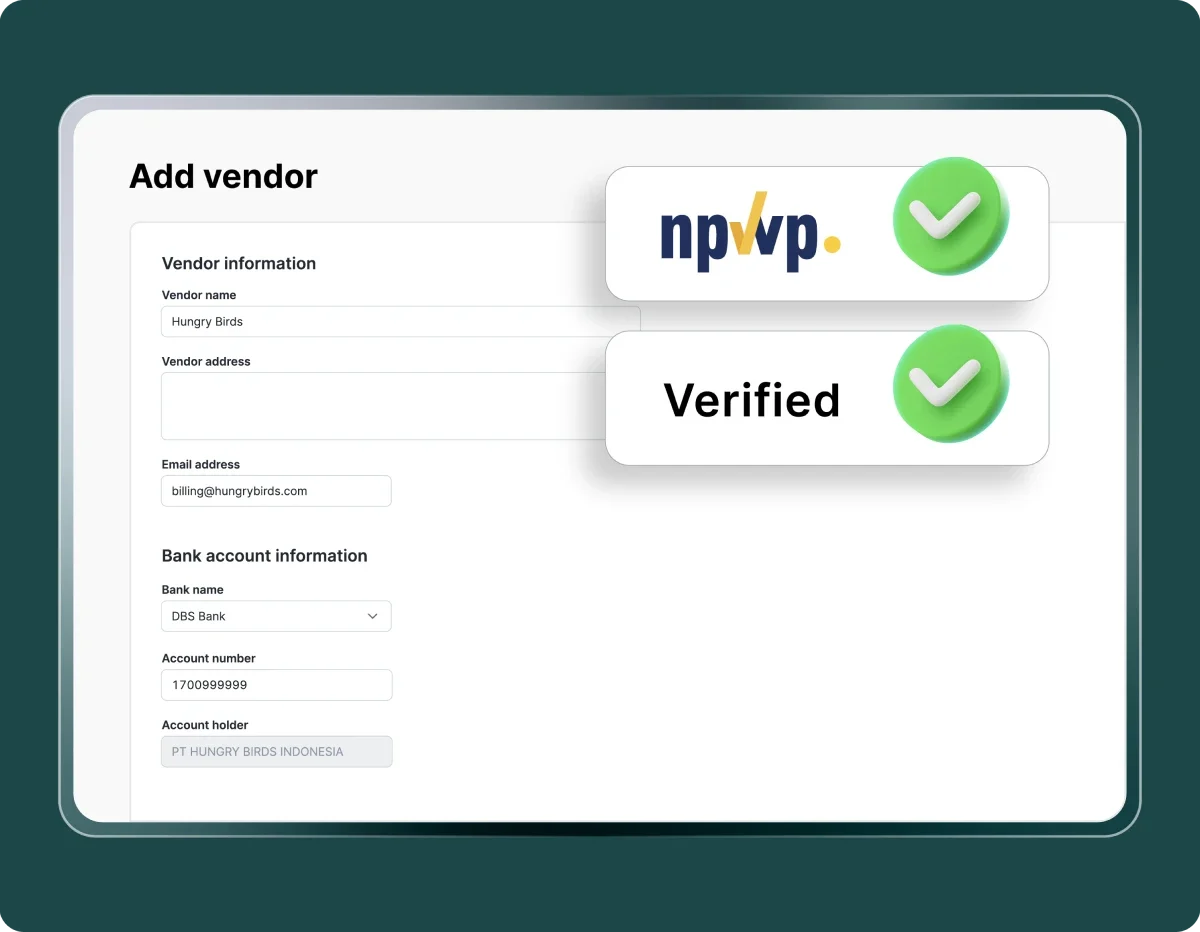
Accelerate collaboration with new vendors through automated verification of data, legal documents, and tax ID (NPWP).

Restrict vendor usage (coming soon)

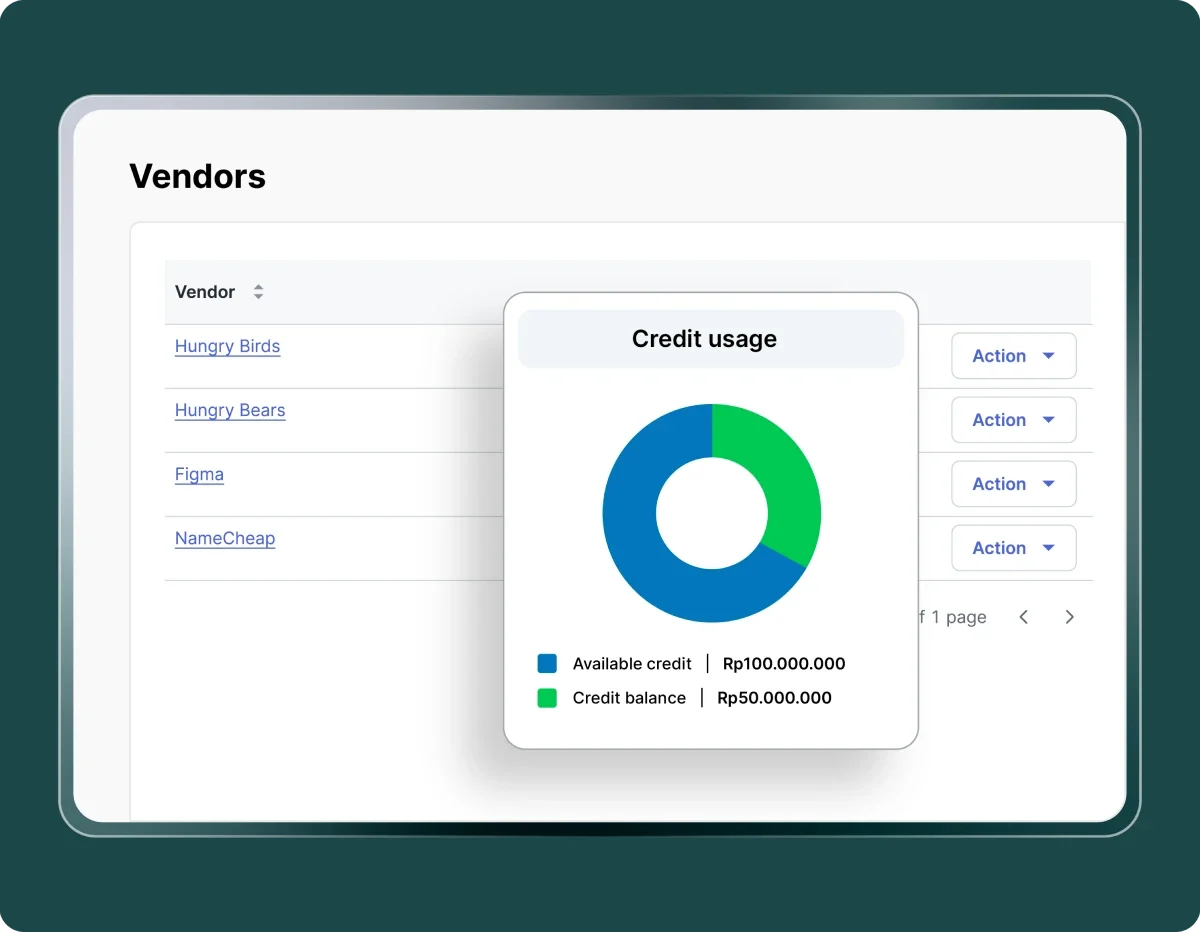
Set limitations based on invoice aging or total outstanding balance.

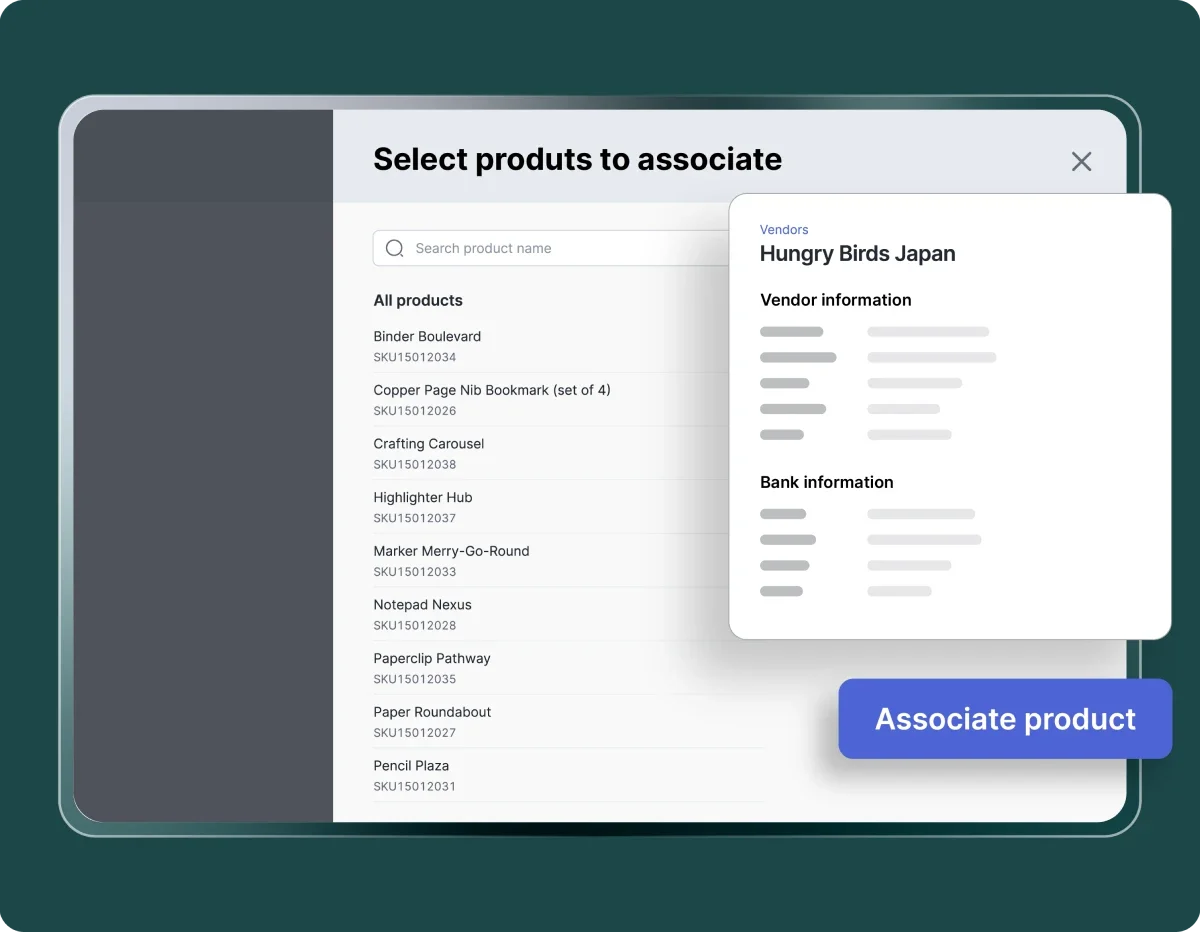
Link vendors to products

Configure vendor connections down to the item level to support more precise procurement control.

Custom vendor workflow (coming soon)

Define approval flows for new vendors before they can be used in PQ, PO, and PI.

Verified vendors, controlled procurement

All purchasing decisions become safer with transparent and standardized vendor processes.

Guaranteed vendor compliance

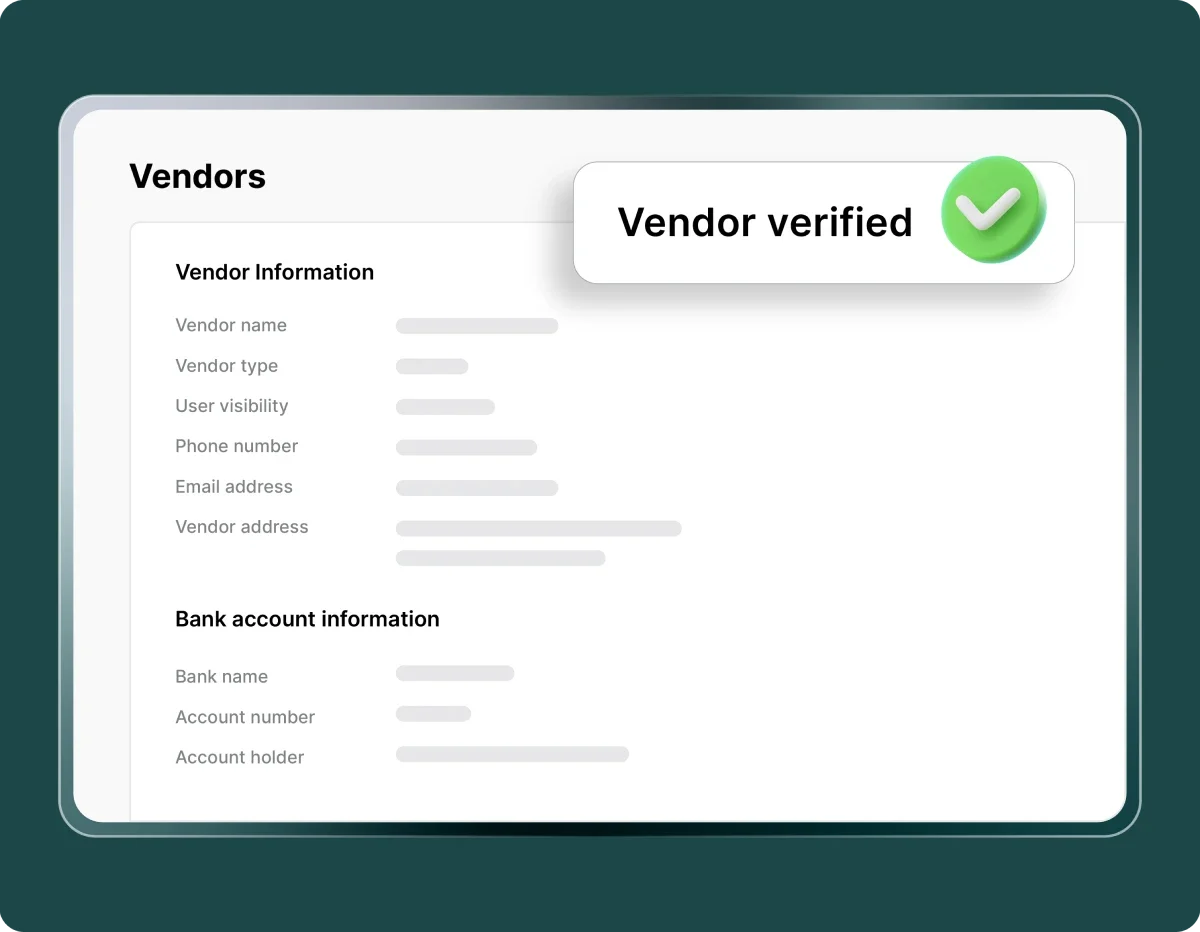
Every vendor goes through a review and approval process before being used, ensuring all legal documents are complete and aligned with company policies.

Guaranteed vendor compliance

Stronger risk control

Vendor restrictions based on aging and unpaid balance help prevent transactions with problematic vendors and maintain healthy cash flow.

Stronger risk control

Procurement accuracy

Purchases are made only from official vendors that meet company standards.

Procurement accuracy

Vendor status visibility

Statuses such as Verified, Approved, and Rejected, along with their change histor are displayed transparently so teams can monitor vendor compliance and activities in real time.

Vendor status visibility

More efficient procurement process

Vendor selection in PQ, PO, and PI becomes faster because only verified vendors can be chosen, reducing errors and duplication.

More efficient procurement process

Audit-ready and transparent

All vendor activities, documents, statuses, and approval logs are recorded digitally, making audits, tracking, and internal control easier.

Audit-ready and transparent

Standardized vendor system for safer purchasing

Complete and consistent vendor information for more comprehensive purchasing transactions.

Image by Mekari

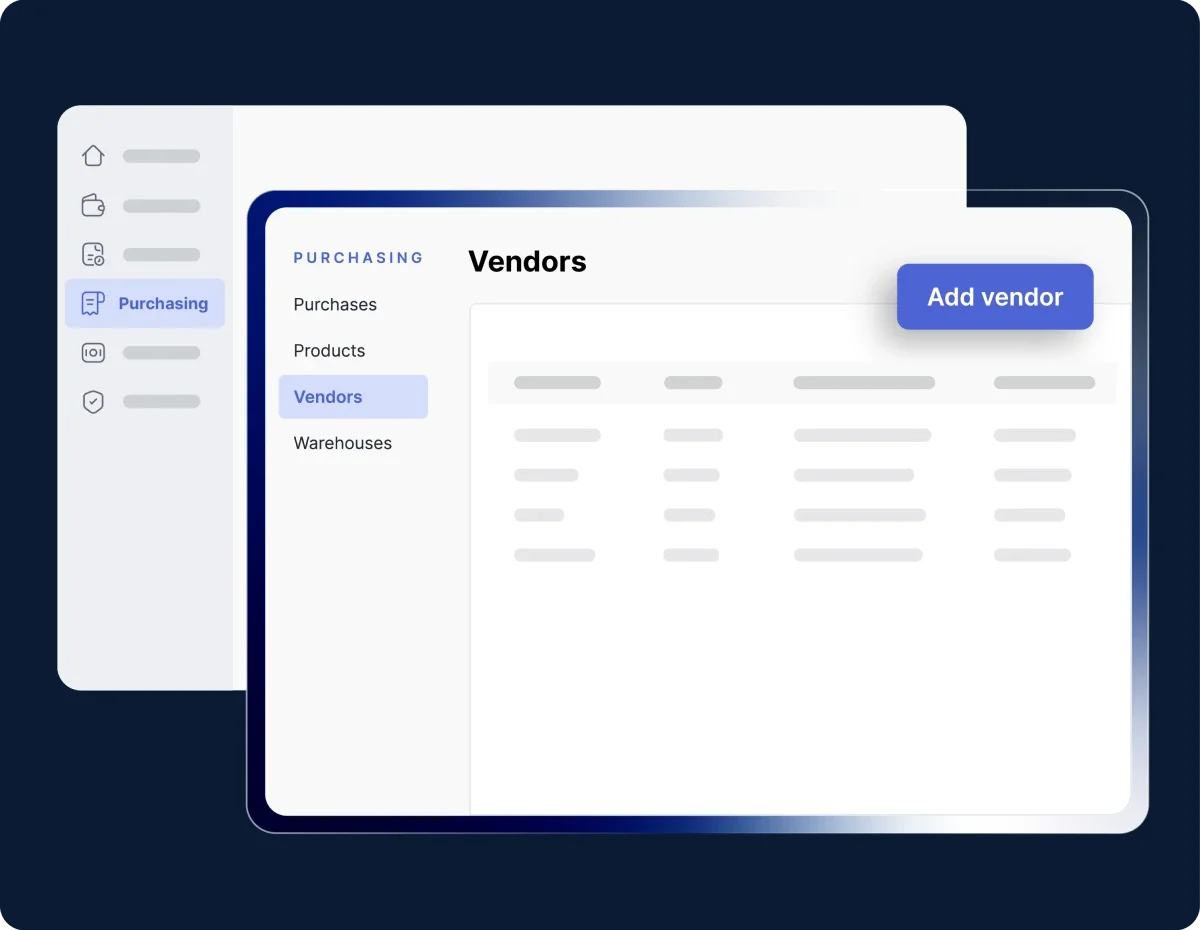
Open the Vendor menu

Go to Purchasing → Vendor tab, then select Add vendor to create a new vendor record.

Image by Mekari

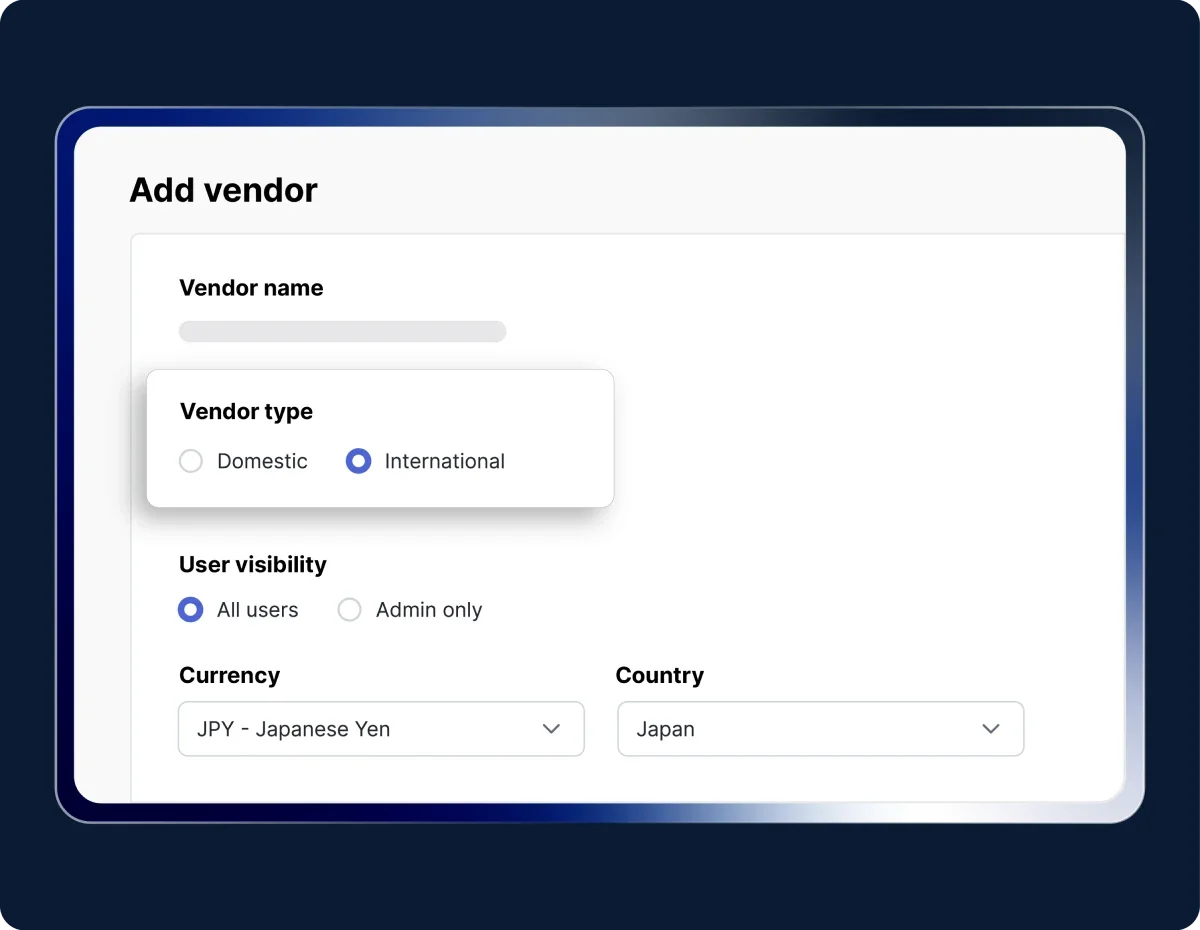
Fill in vendor information

Choose the vendor type: Domestic or International, then complete the required details.

Image by Mekari

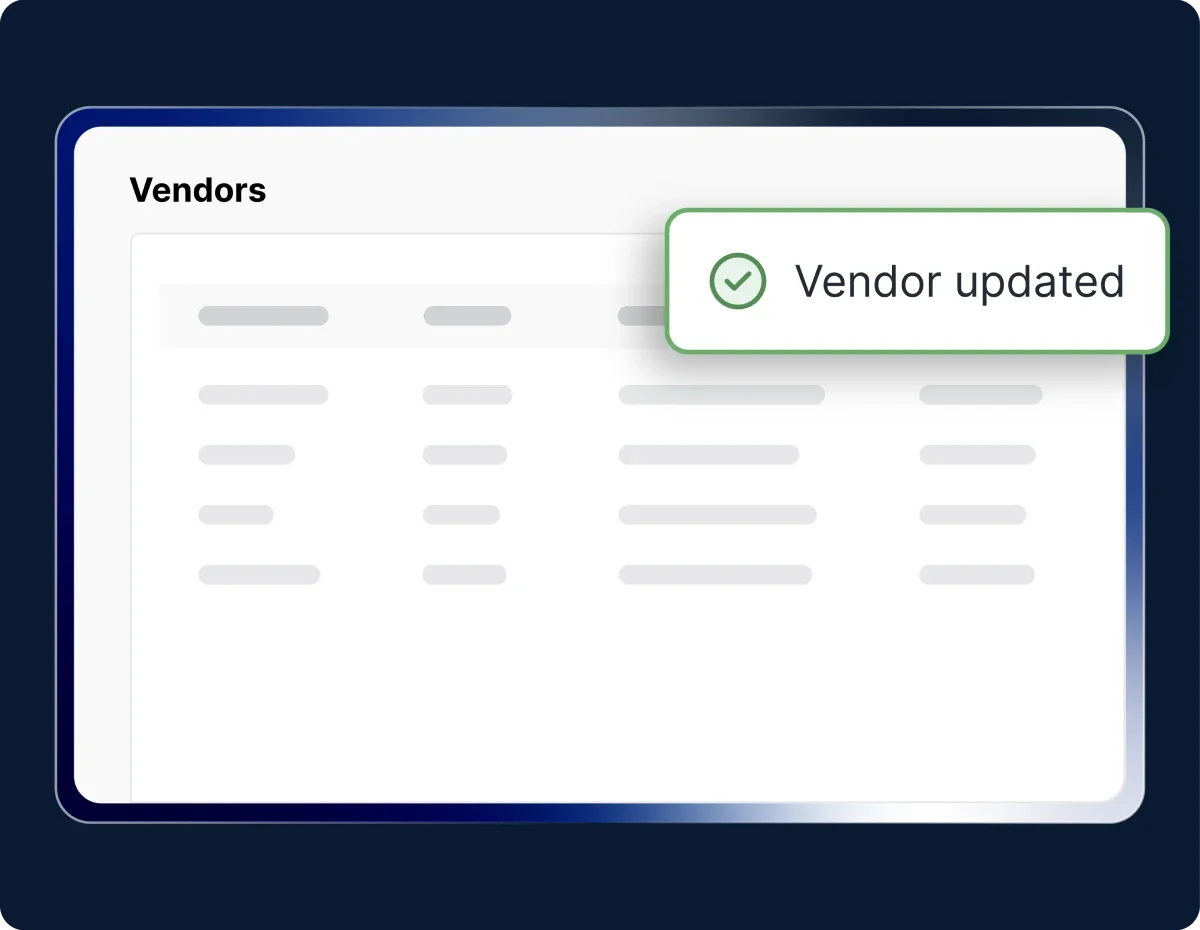
Save and manage the vendor

Click Save to add the vendor. The vendor will appear in the list, and you can manage its data through the Actions menu.

Try Out Mekari Expense's Vendor Management Feature

Work more efficiently with an integrated system

Semua invoice terkelola rapi

Dengar pelanggan kami yang sudah mengatur pembayaran vendor lebih cepat dan transparan di satu aplikasi.

"Sekarang proses pengajuan biaya jadi lebih cepat, bahkan bisa malam jam 10 tanpa harus nunggu besok. Paperless juga, jadi semua langsung terekam dan mengurangi kesalahan Kami dapat waktu lebih karena urusan operasional makin rapi. Waktu ini yang kami pakai untuk strategi dan pengembangan bisnis"

Busman E. W. Founder & CEO, Sentral Komputer

"Mekari Expense menyederhanakan pencatatan pengeluaran, memusatkan data untuk pelaporan, dan meningkatkan transparansi. Persetujuan via ponsel praktis, antarmuka web ramah pengguna, sehingga efisiensi operasional dan kepuasan karyawan meningkat."

Juliana Ho Direktur, PT. Eureka Sukses Abadi

“Sekarang pengajuan biaya jadi lebih fleksibel, enggak perlu lagi ke ruangan finance hanya untuk serahkan pertanggungjawaban. Semua cukup dari aplikasi dan lebih tertata.”

Cindy Finance Staff, PT. Adev Natural Indonesia

I have a question...

What is the Vendor Portal in Mekari Expense?

The Vendor Portal is a centralized system for managing vendor data, review processes, invoice submissions, and payment status in a fully digital and standardized workflow.

Why do companies need vendor verification before creating a PO or PI?

Vendor verification ensures that vendors have complete legal documents (SIUP, NPWP, NIB, or international documents) and have been internally approved before being used in any transaction. This process improves compliance, prevents fraud, and makes purchasing safer.

How does the vendor approval workflow work in Mekari Expense?

Companies can create a dedicated approval flow for vendors. New vendors will go through a process of review → document validation → approval or rejection. Only approved vendors will appear when the team creates a PQ, PO, or PI.

How can companies restrict problematic vendors?

Through the Vendor Restriction feature, companies can limit vendor usage based on:

  • Aging: how long invoices remain unpaid
  • Amount: total outstanding balance

If the limit is exceeded, the system can either block the vendor or display a warning when the team creates a PO or PI.

Is the Vendor Portal integrated with the purchasing process?

Yes. A vendor can only be used in PQ, PO, and PI if its status and documents meet the required conditions.

Safer and centralized vendor management

Verify, control, and manage all vendors in one integrated system in Mekari Expense.

WhatsApp Icon WhatsApp sales