

Feature - Warehouse Management

Centralized purchasing control for every warehouse

Every purchase is automatically recorded in the correct destination warehouse, keeping financial data and stock always in sync.

Trusted by many companies in Indonesia

Centralized control for purchasing and warehouse activities

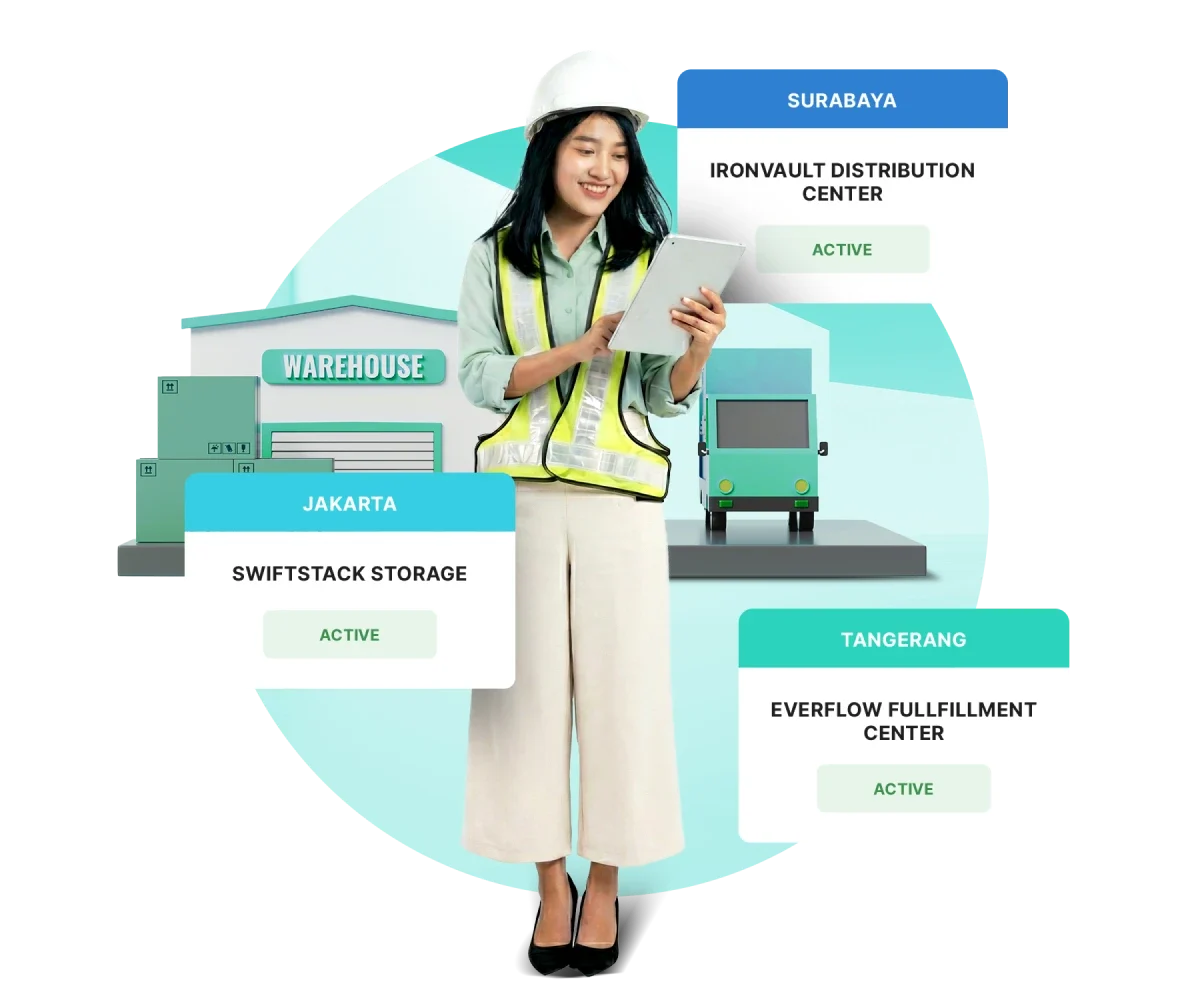
A single integrated system to record purchases across multiple branches and warehouses.

Add multiple warehouses

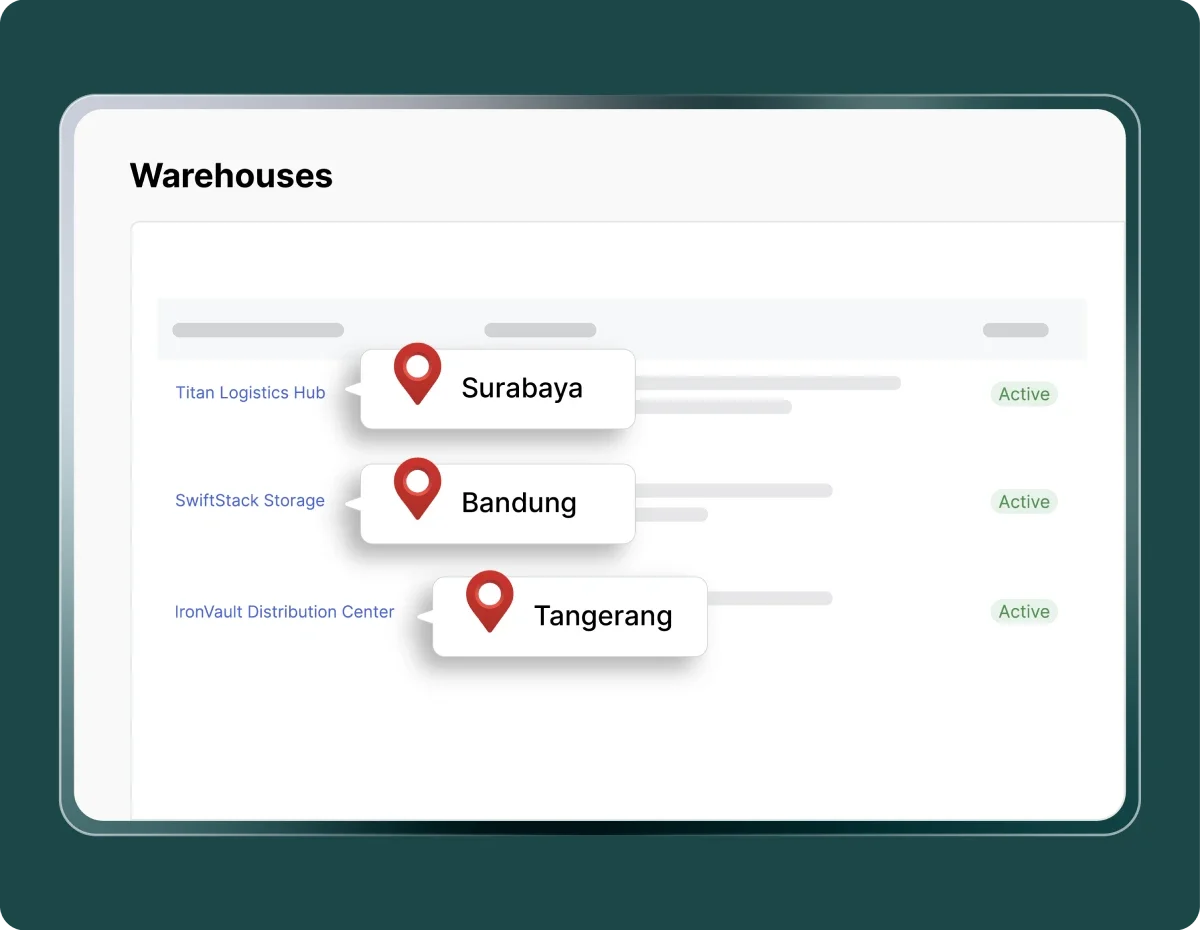
Create multiple warehouse locations based on branches or projects to ensure every transaction is recorded accurately.

Connected to the purchasing module

Each purchase is automatically directed to the intended warehouse according to the purchasing workflow.

Centralized warehouse data access

View all warehouse information from a single dashboard for faster and more accurate decision-making.

Smarter purchasing with real-time stock accuracy

Operational processes become easier and more accurate with automated warehouse recording.

Warehouse data accuracy

Every purchase is automatically recorded in the correct warehouse, ensuring stock remains well-managed.

Warehouse data accuracy

Integrated transactions

Purchase, vendor, and warehouse data are automatically connected so every process runs faster.

Integrated transactions

Full visibility

Procurement and finance teams can monitor purchase status and stock levels across all warehouses in real time.

Full visibility

More efficient purchasing process

Automated recording saves the team time in verifying item locations and distribution.

More efficient purchasing process

Faster decision-making

Real-time data helps finance teams make decisions and plan inventory with greater confidence.

Faster decision-making

Audit support

All purchasing activities are stored digitally, making tracking and transparency easier.

Audit support

Ensure every purchase goes to the right warehouse

Add warehouse locations and link them to purchasing transactions to keep stock data and vendor payments accurate.

Image by Mekari

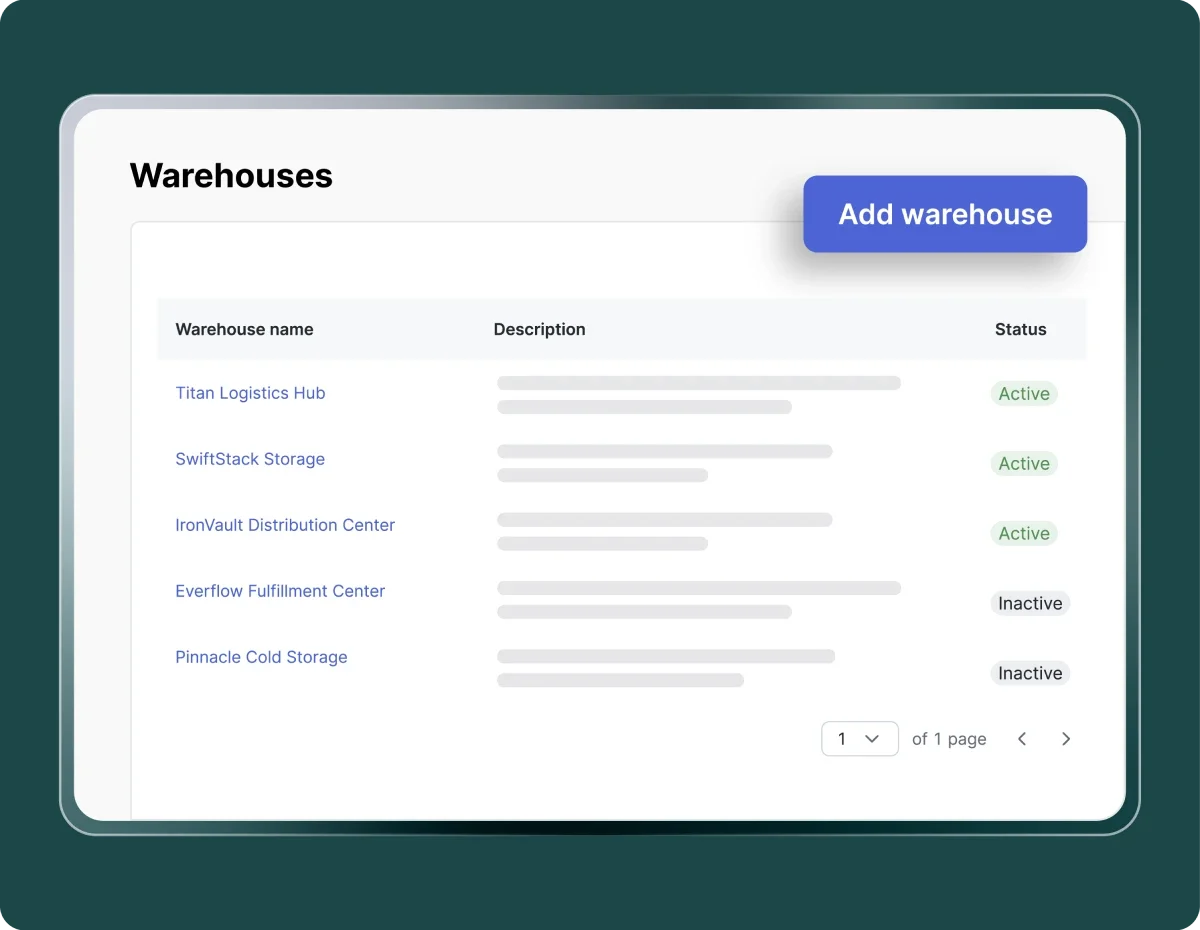
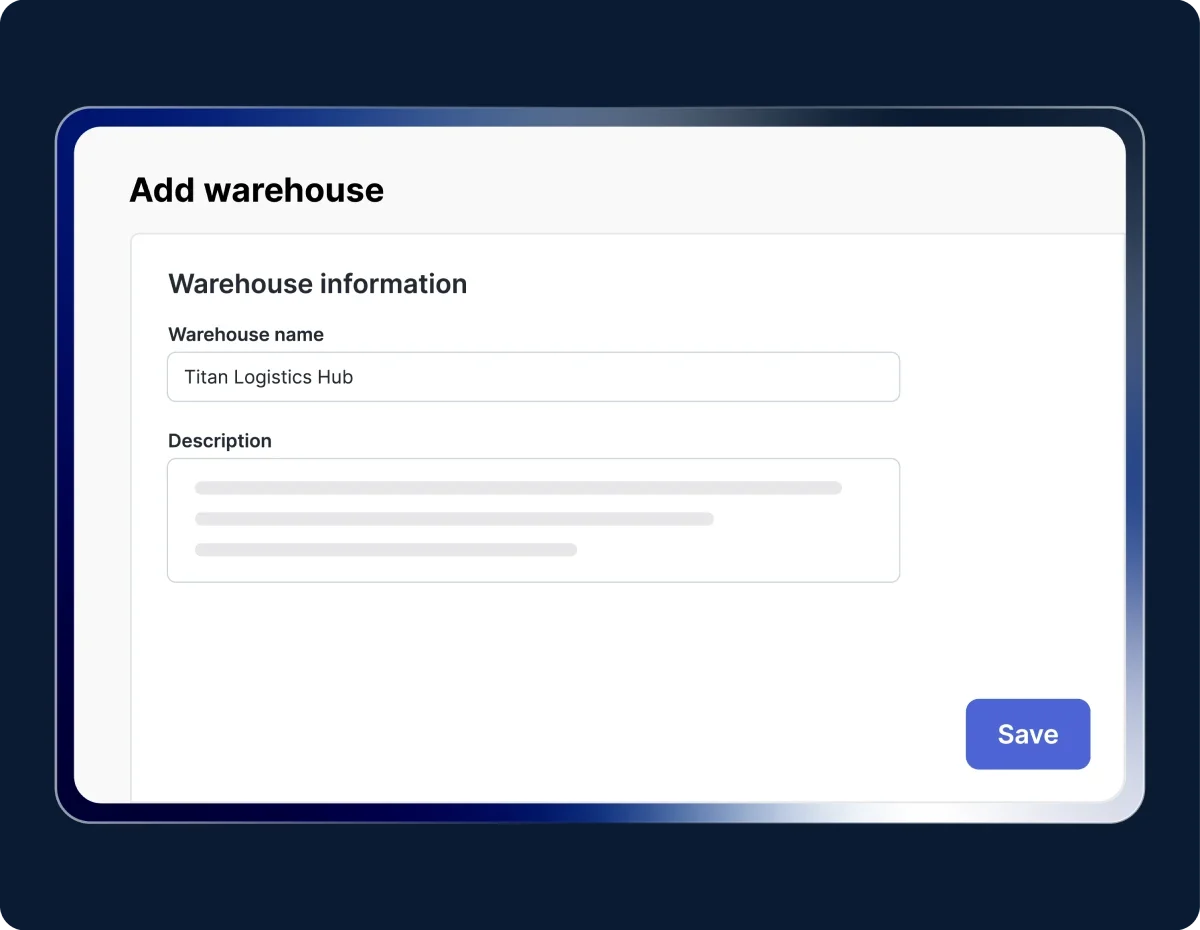
Add a new warehouse

Go to Purchasing → Warehouses, then click Add warehouse. Enter the warehouse name and description as needed, then click Save.

Image by Mekari

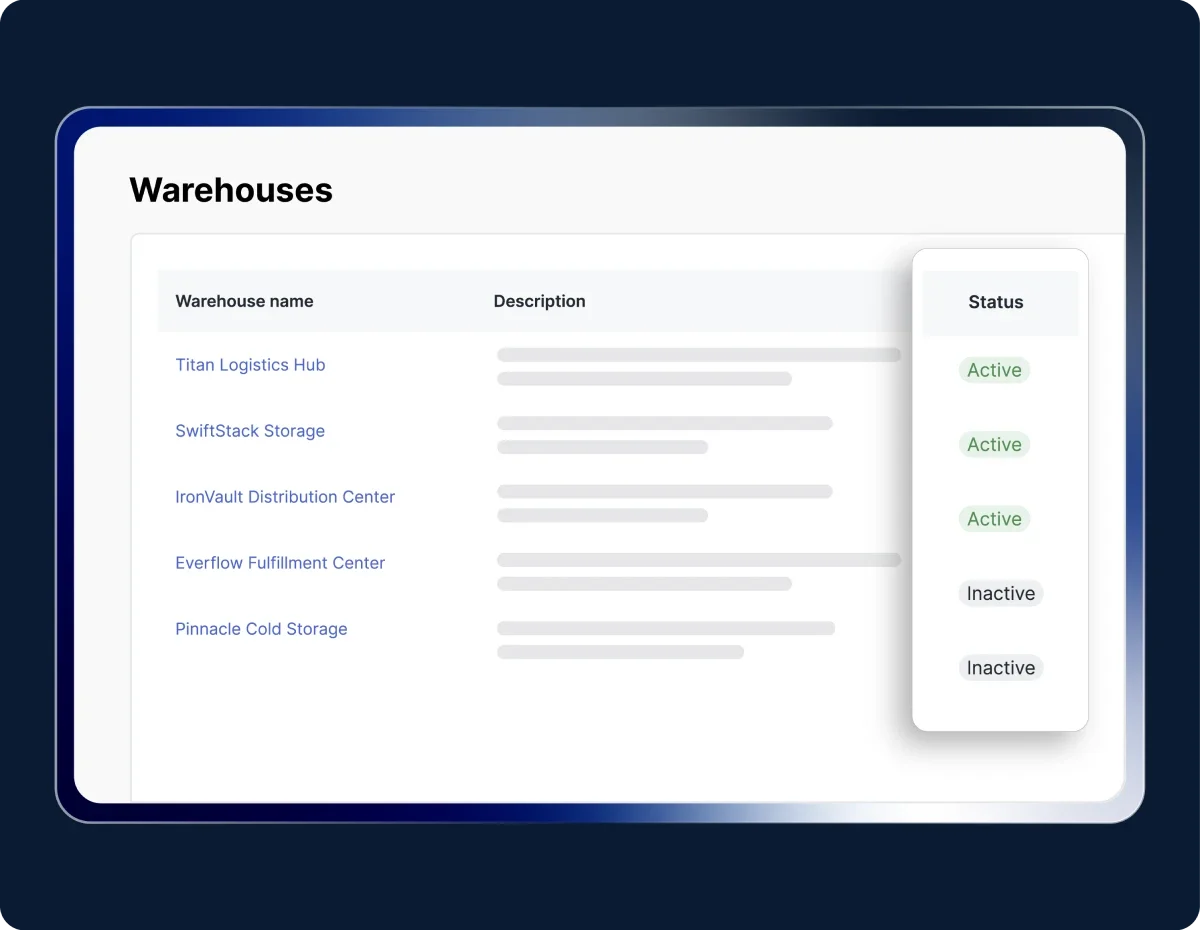
Set the warehouse status

A new warehouse is automatically set to active and can be used when creating a purchase request. If it is no longer needed, change its status through Actions → Deactivate.

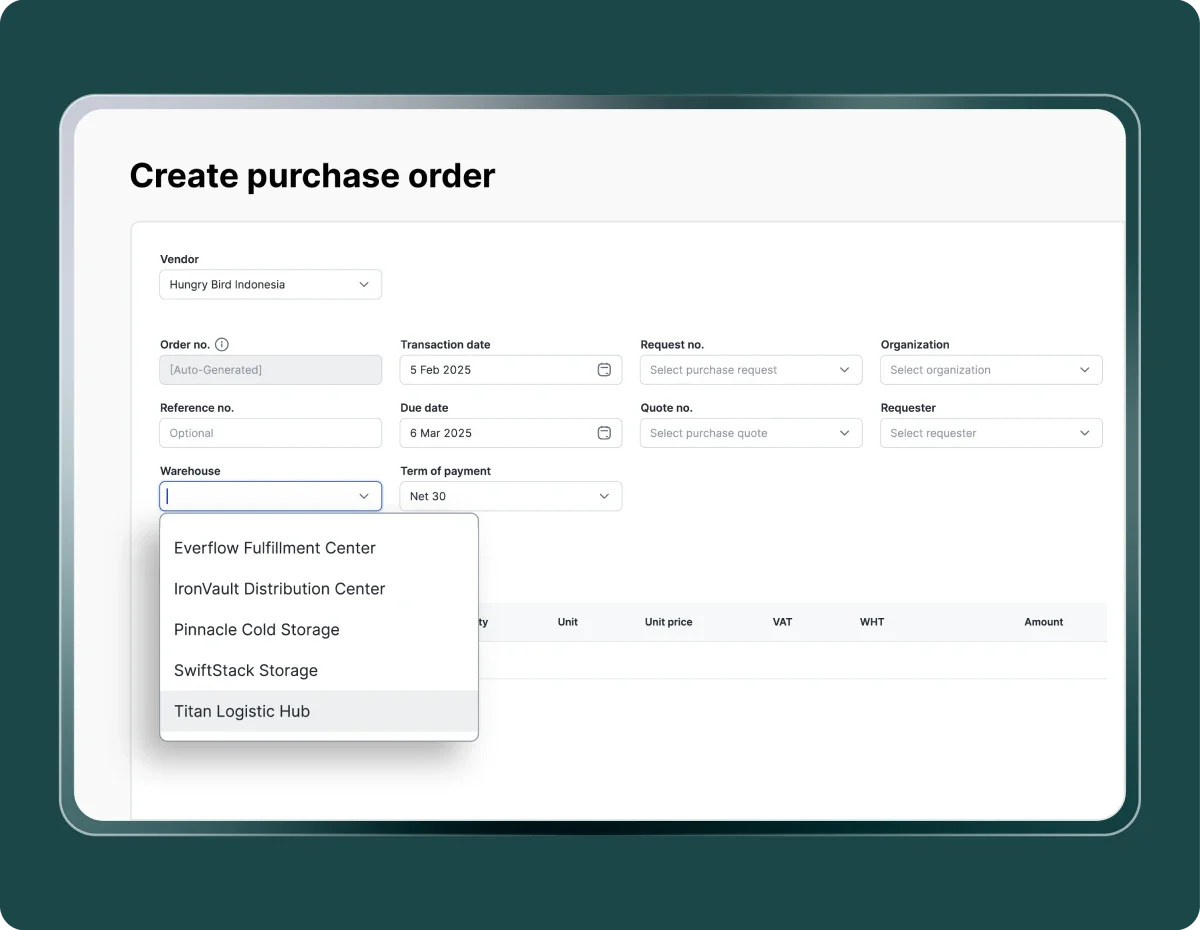
Image by Mekari

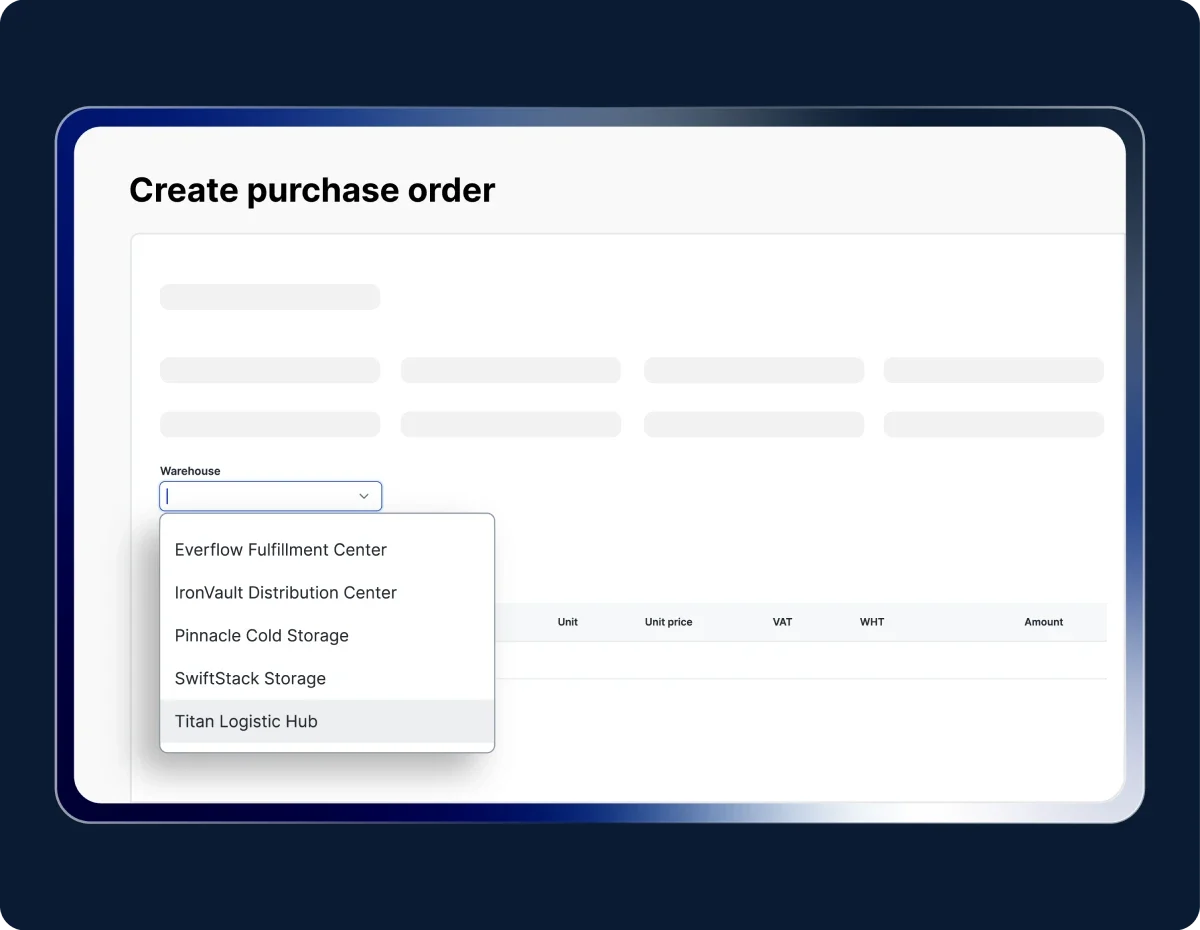
Use for transactions

When creating a purchase request or purchase order, select the appropriate active warehouse so the transaction is linked to the correct location.

Try out Mekari Expense's Warehouse Management Feature

Operations made efficient with an integrated system

Semua invoice terkelola rapi

Dengar pelanggan kami yang sudah mengatur pembayaran vendor lebih cepat dan transparan di satu aplikasi.

"Sekarang proses pengajuan biaya jadi lebih cepat, bahkan bisa malam jam 10 tanpa harus nunggu besok. Paperless juga, jadi semua langsung terekam dan mengurangi kesalahan Kami dapat waktu lebih karena urusan operasional makin rapi. Waktu ini yang kami pakai untuk strategi dan pengembangan bisnis"

Busman E. W. Founder & CEO, Sentral Komputer

"Mekari Expense menyederhanakan pencatatan pengeluaran, memusatkan data untuk pelaporan, dan meningkatkan transparansi. Persetujuan via ponsel praktis, antarmuka web ramah pengguna, sehingga efisiensi operasional dan kepuasan karyawan meningkat."

Juliana Ho Direktur, PT. Eureka Sukses Abadi

“Sekarang pengajuan biaya jadi lebih fleksibel, enggak perlu lagi ke ruangan finance hanya untuk serahkan pertanggungjawaban. Semua cukup dari aplikasi dan lebih tertata.”

Cindy Finance Staff, PT. Adev Natural Indonesia

I have a question...

What is the Warehouse Management feature in Mekari Expense?

Warehouse Management is a feature that automatically records and links every purchase transaction to its destination warehouse. It helps maintain accurate stock data and vendor payments across all branches.

How does this feature improve company efficiency?

With automated processes, finance and procurement teams no longer need to record warehouse locations manually. Every purchase transaction is instantly synchronized with the relevant warehouse, saving time and reducing the risk of misallocation.

Is the Warehouse Management feature connected to the purchasing process?

Yes. When creating a Purchase Order in Mekari Expense, you can select an Active Warehouse to link the transaction to a specific location. This ensures that delivery and purchase records always match the intended warehouse.

How can I get the Warehouse Management feature?

The Warehouse Management feature is available in the Enterprise package. If you need assistance or encounter any issues, our support team is ready to help anytime.

All warehouses in sync for more efficient purchasing

Every purchasing transaction is automatically recorded in the correct warehouse, keeping item distribution, stock, and vendor payments consistently in sync.

WhatsApp Icon WhatsApp sales