

Feature - Product Management

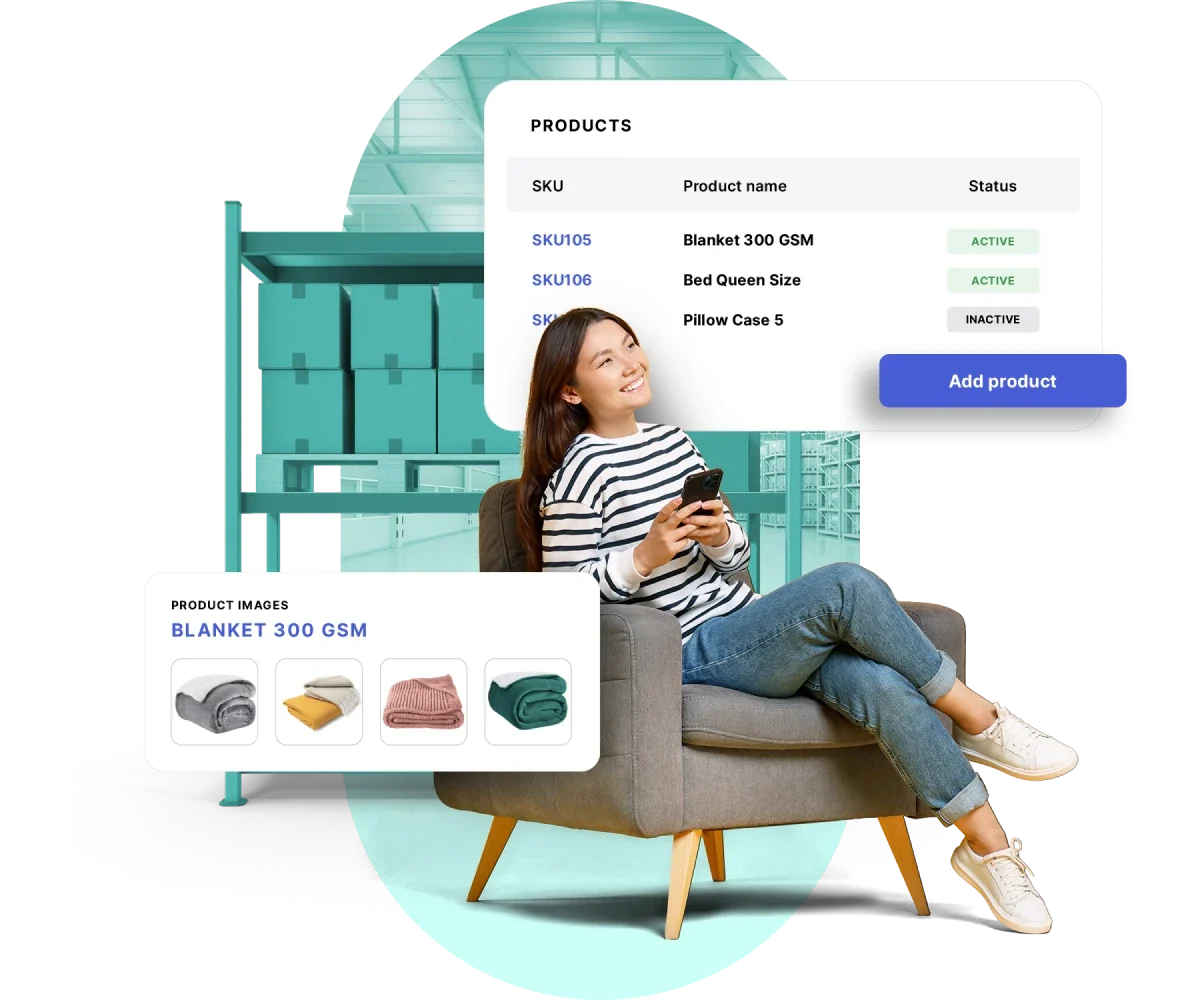
Manage product data in one centralized system

Ensure all product data is always accurate and ready to use in every purchasing process.

Trusted by many companies in Indonesia

Centralized catalog for faster purchasing

Manage product catalogs, pricing, and SKUs in one accurate, centralized system to keep every purchasing transaction consistent and free from data discrepancies.

Centralized catalog

A single product database used by all teams to prevent duplication and information mismatches.

SKU control

Set official SKUs to ensure every purchase follows company standards.

Integration with purchase orders

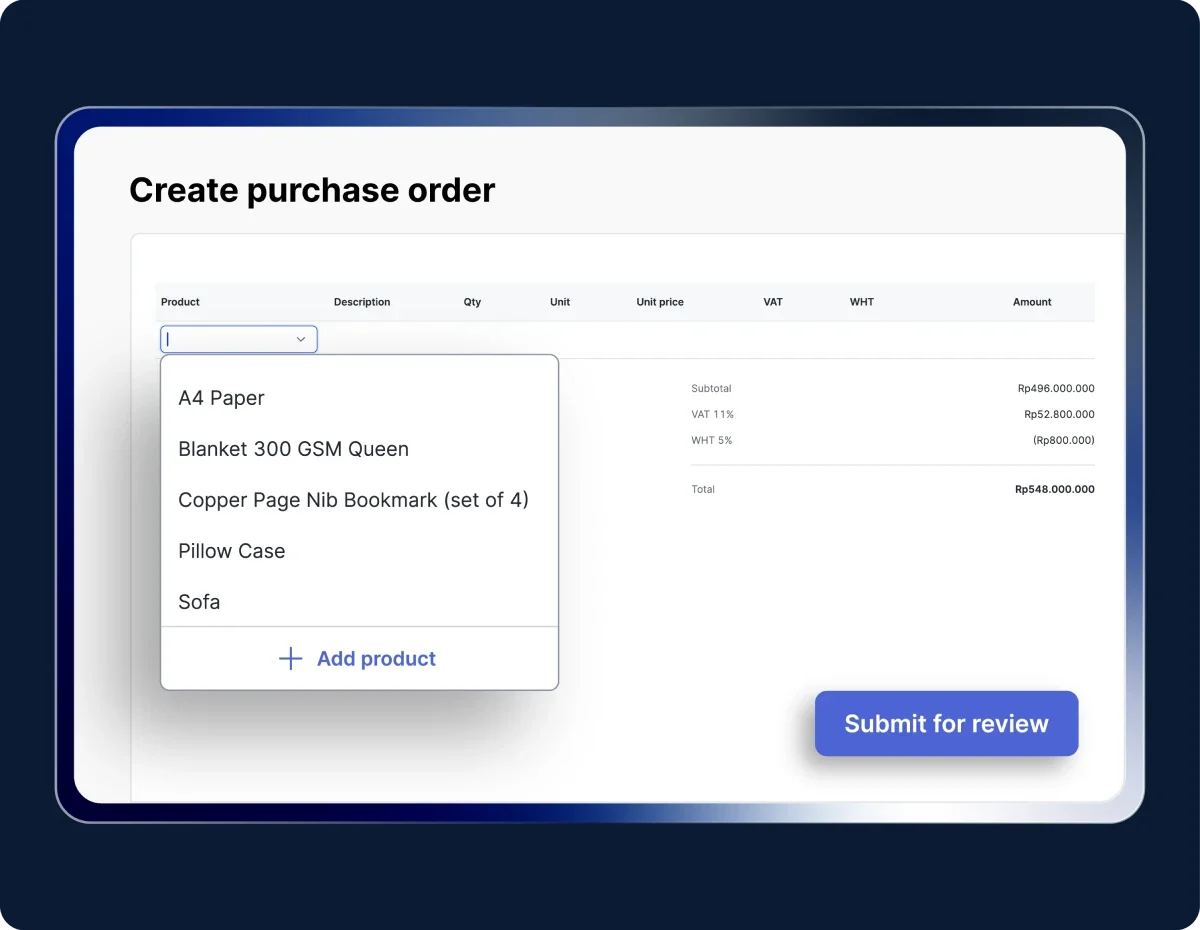
Product data is automatically populated in POs without manual input, making the process faster and reducing errors.

Real-time updates

Every change is instantly synchronized across the entire system.

Product and price control

Monitor, update, and validate product data directly from Mekari Expense.

Consistent product data

All teams use the same data source to prevent duplication and information discrepancies.

Consistent product data

Stronger price control

Prices and SKUs always follow company standards and official vendor data.

Stronger price control

End-to-end integration

Directly connected to Mekari Expense’s procurement modules for faster and more accurate processes.

End-to-end integration

Real-time data updates

Every change is automatically synchronized across all branches and departments.

Real-time data updates

Procurement process efficiency

PO creation becomes faster because product data is automatically linked throughout the system.

Procurement process efficiency

Security and access control

Set who can add, edit, or deactivate products to keep data secure and aligned with company policies.

Security and access control

Add and manage products faster

Create your product list once and reuse it in every purchasing transaction. All data is stored in one centralized system.

Image by Mekari

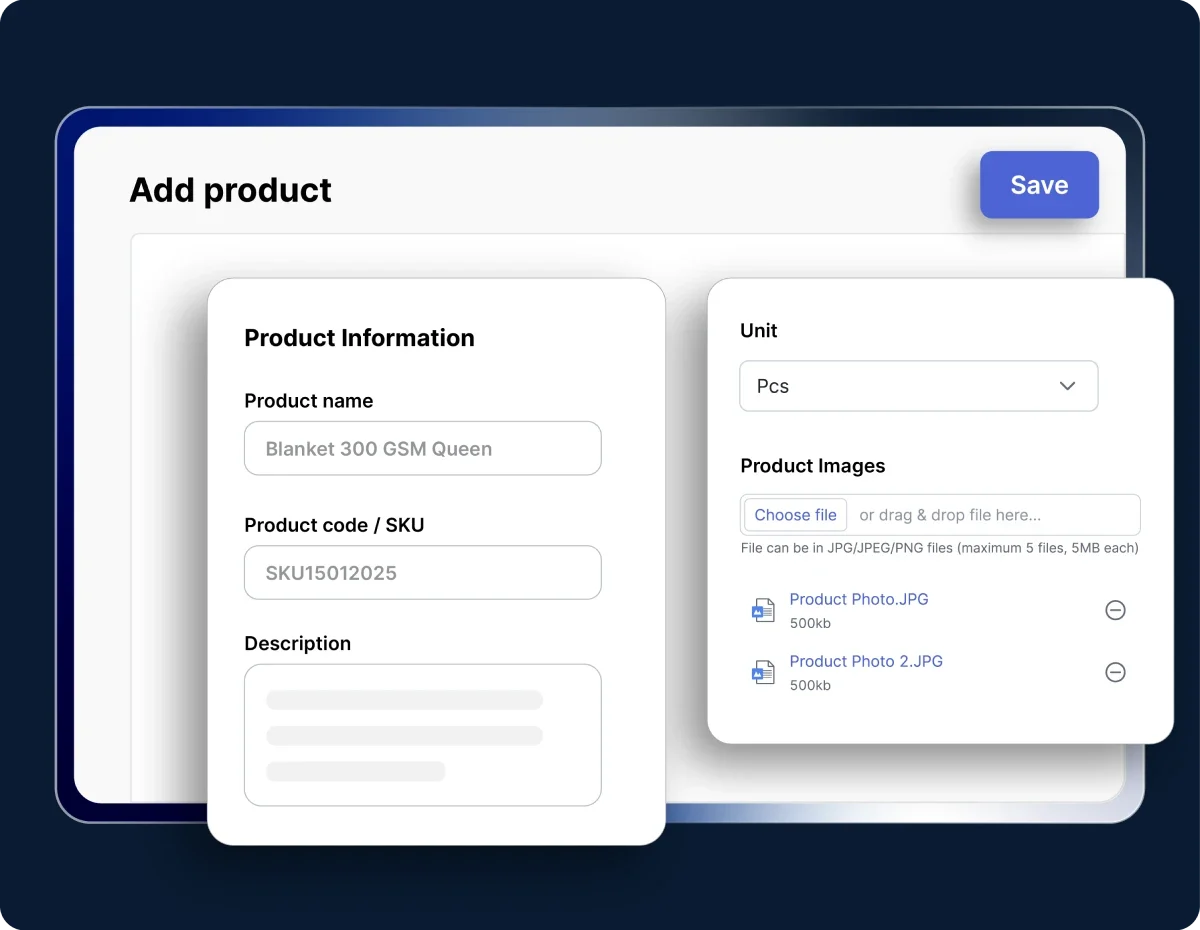
Add a new product

Click Add product to create a new item. Fill in details such as name, code/SKU, description, unit, and upload an image if needed.

Image by Mekari

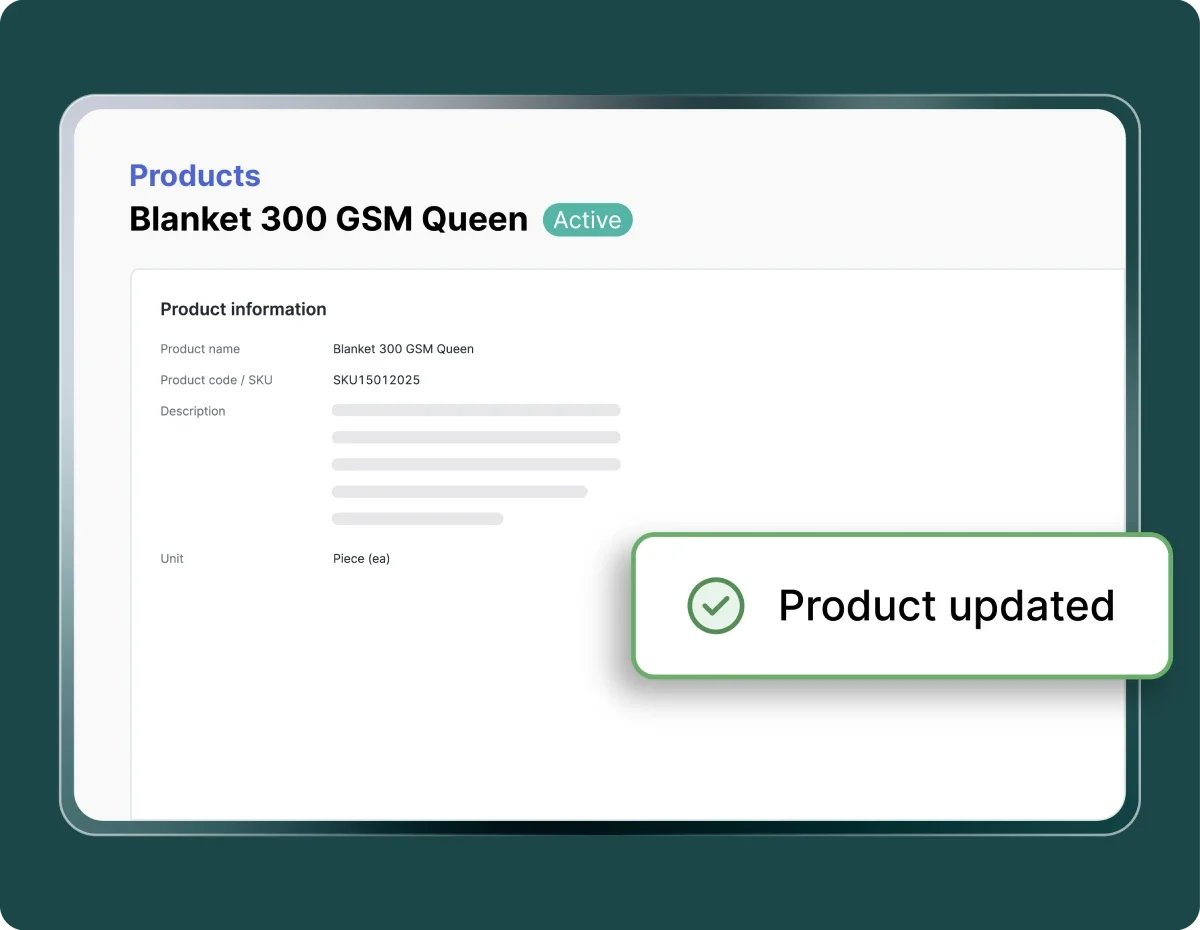
Save and use

Once saved, the product is automatically available when creating a PR or PO, ensuring consistent data across every transaction.

Image by Mekari

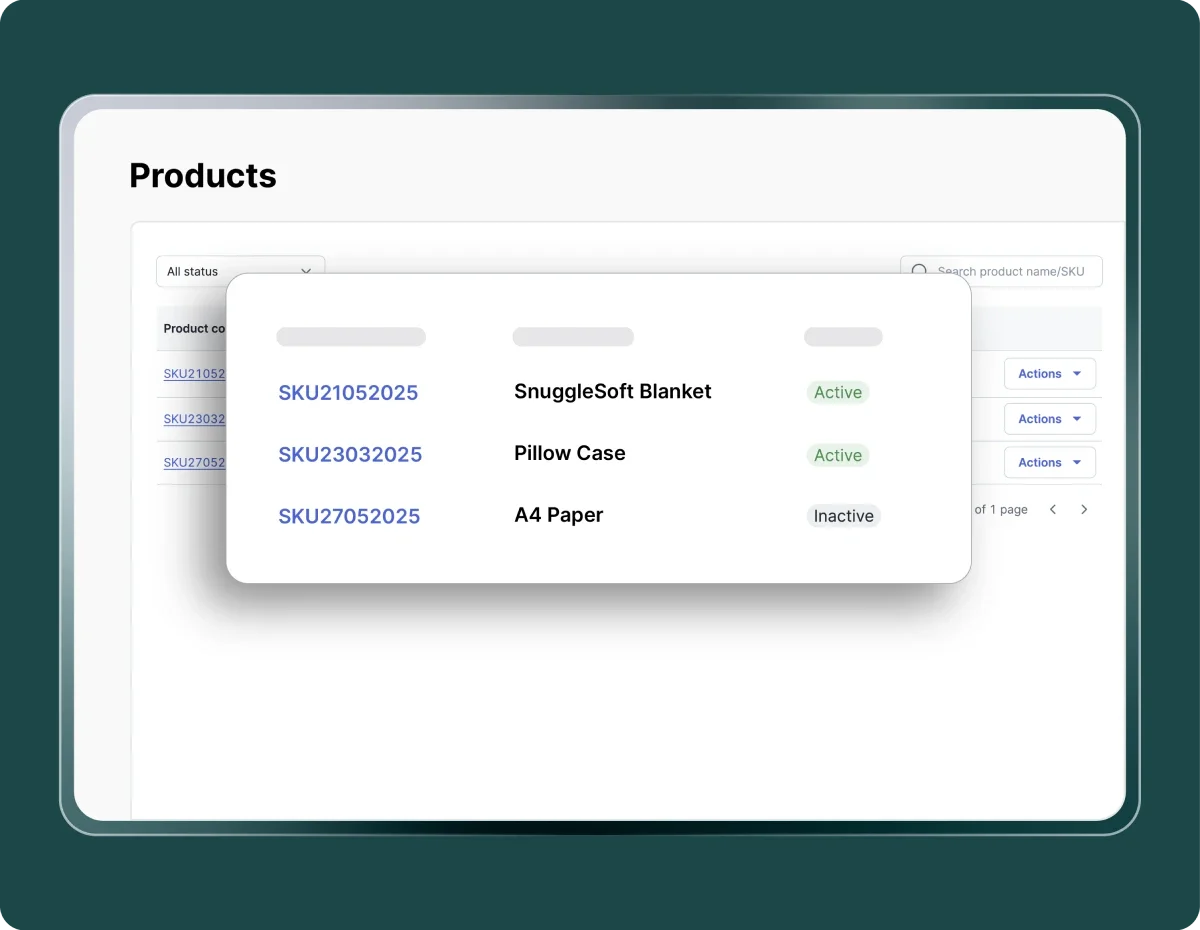
Manage and update

View details, edit, or deactivate products directly from the Products tab anytime. All changes are automatically synchronized across the system.

Try out Mekari Expense's Product Management feature

Work more efficiently with an integrated system

Semua invoice terkelola rapi

Dengar pelanggan kami yang sudah mengatur pembayaran vendor lebih cepat dan transparan di satu aplikasi.

"Sekarang proses pengajuan biaya jadi lebih cepat, bahkan bisa malam jam 10 tanpa harus nunggu besok. Paperless juga, jadi semua langsung terekam dan mengurangi kesalahan Kami dapat waktu lebih karena urusan operasional makin rapi. Waktu ini yang kami pakai untuk strategi dan pengembangan bisnis"

Busman E. W. Founder & CEO, Sentral Komputer

"Mekari Expense menyederhanakan pencatatan pengeluaran, memusatkan data untuk pelaporan, dan meningkatkan transparansi. Persetujuan via ponsel praktis, antarmuka web ramah pengguna, sehingga efisiensi operasional dan kepuasan karyawan meningkat."

Juliana Ho Direktur, PT. Eureka Sukses Abadi

“Sekarang pengajuan biaya jadi lebih fleksibel, enggak perlu lagi ke ruangan finance hanya untuk serahkan pertanggungjawaban. Semua cukup dari aplikasi dan lebih tertata.”

Cindy Finance Staff, PT. Adev Natural Indonesia

I have a question...

What is the Product Management feature in Mekari Expense?

Product Management is a feature that allows you to manage your company’s product and service catalog centrally. Information such as name, SKU, price, and description is stored in one place to make the purchasing process faster and more accurate.

How does the Product Management feature improve procurement efficiency?

With a centralized catalog, the procurement team no longer needs to manually input data or search for pricing information from multiple sources. All products are ready to use when creating PRs or POs, saving time and reducing the risk of input errors.

Is the Product Management feature connected to other modules in Mekari Expense?

Yes. The product list is integrated with Purchasing modules such as Purchase Request, Purchase Order, and Purchase Invoice. Each transaction automatically uses the registered product data without re-entry.

How do I add a new product in Mekari Expense?

Go to Purchasing → Products, click Add product, then fill in the details such as name, SKU, and description. Once saved, the product will appear in the list and can be used in purchasing transactions immediately.

How can I get the Product Management feature?

The Product Management feature is available in the Enterprise package. If you need assistance or encounter any issues, our support team is ready to help anytime.

Easier and simpler product management

Manage your product catalog in one centralized place and ensure prices and SKUs stay accurate in every purchasing transaction through Mekari Expense.

WhatsApp Icon WhatsApp sales