





How to Get a Virtual Credit Card for Business: Apply in 5 Steps


Mekari Insight
- No paperwork, no delays. Virtual credit cards can be created online in minutes, fully activated and ready for business use, without manual forms or long verification.
- Smarter control over company spending. With spending limits, real-time tracking, and multi-card settings, VCCs help prevent unexpected costs and simplify budget management.
- Instant setup with Mekari Limitless Card. Mekari offers fast, secure virtual cards that integrate directly with your expense system, no paperwork, no friction, all managed in one centralized dashboard.
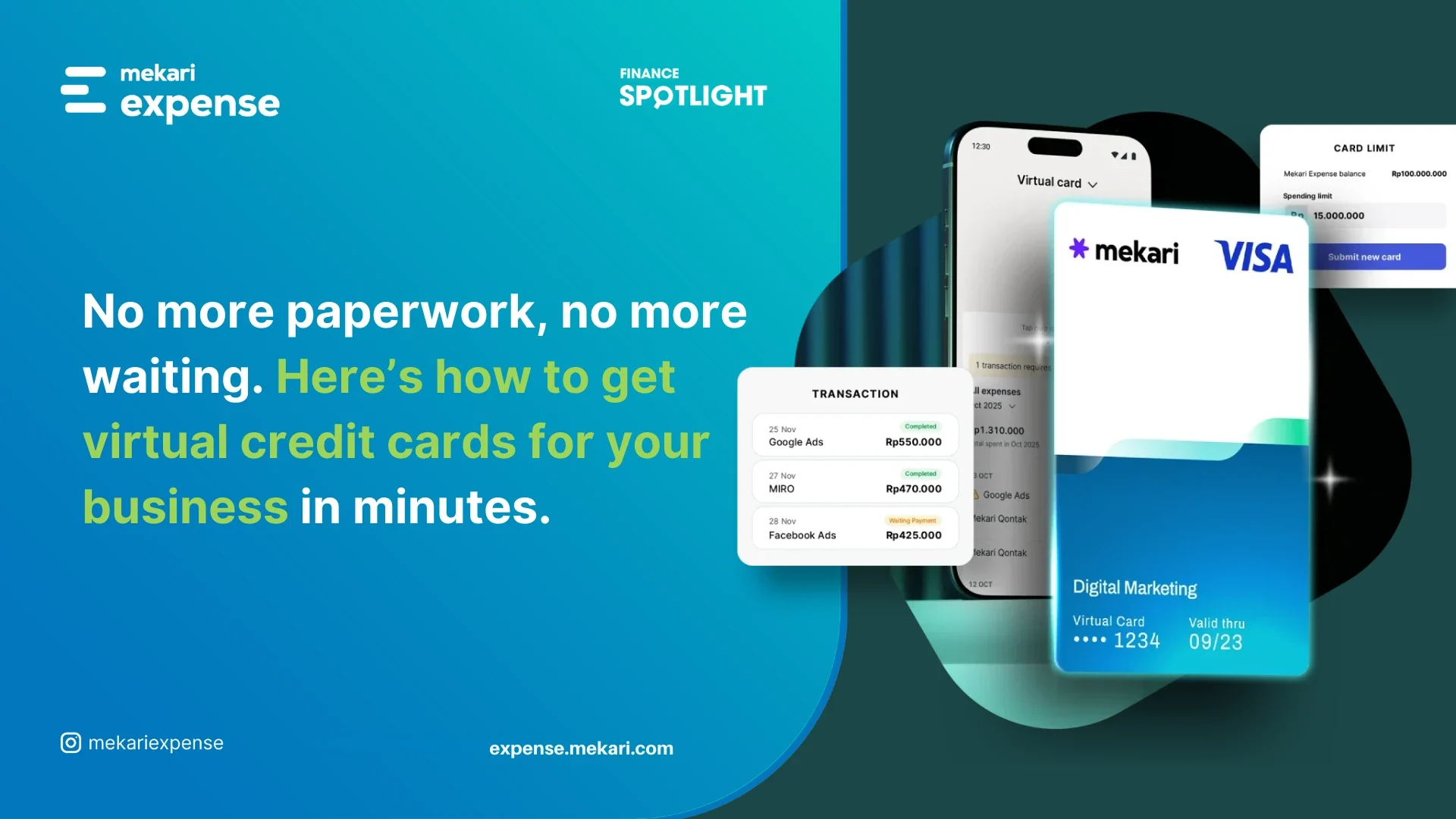
Business spending shouldn’t be slowed down by paperwork. That’s why virtual credit cards are becoming the go-to tool: fast to create, easy to manage, and instantly usable for online payments.
No queues, no physical forms, just a streamlined way to stay in control. Ready to set one up? Here are the five steps to get a virtual credit card for your business.

Benefits of using a virtual credit card for your business
A virtual credit card gives businesses a smarter, faster, and more secure way to manage spending, especially for digital transactions. Here are the top advantages you’ll gain:
1. Stronger budget control
You can set custom limits, expiration dates, and allowed transaction types for every card. This makes it easier to enforce spending policies and prevent unexpected expenses before they happen.
2. Faster, more efficient processes
Generating a virtual card takes only seconds, and it’s ready to use instantly. No waiting for physical cards, no paperwork, perfect for urgent purchases or last-minute operational needs.
3. Enhanced security and fraud protection
Virtual cards can be restricted to a specific vendor, department, or even a single transaction. If anything suspicious happens, you can freeze the card immediately without affecting other payments or users.
4. No more reimbursement hassles

Employees don’t need to use personal money for work expenses. Every purchase can go directly through a company-issued VCC, cutting out tedious claims and simplifying approval flows.
5. Real-time visibility and automatic tracking
Every transaction is recorded instantly, complete with merchant details, timestamps, and amounts. This makes monitoring spending easier, speeds up reporting, and helps finance teams plan budgets more accurately.
Baca Juga: Business Virtual Credit Cards: Guide for CFOs & Owners
How to get a virtual credit card for your business in 5 simple steps
Creating a virtual credit card for business use is far simpler than traditional credit card applications. Everything happens online, the setup is quick, and you can tailor each card to match your team’s spending needs. Here’s the detailed breakdown:
1. Evaluate and choose the right virtual card provider
Don’t rush this step, your provider determines how smooth your spending processes will be. A good platform should offer more than a card number; it should function as part of a broader spend-management system. Ideally, you should be able to:
- Generate multiple virtual cards for different teams, campaigns, or vendors,
- Set rules that control how each card can be used,
- Access real-time reporting and notifications for every transaction,
- Consolidate oversight into one dashboard so finance doesn’t chase scattered data.
Choosing a provider with these features ensures long-term visibility, accountability, and operational ease.
Baca Juga: Top 5 Virtual Credit Card Payment for Business & Global Payment
2. Register your business on the platform
Once you’ve selected a provider, the next step is to create your company account. The registration form is typically short, most platforms only require:
- Basic business details (company name, registration info, tax ID),
- Contact information for the admin or finance lead,
- A corporate email domain for verification.
Completing this step gives you access to the main dashboard where all card functions will be managed.
3. Complete business and identity verification
Before you can generate virtual cards, the provider must verify that your business is legitimate and that the account is being set up by an authorized representative. This may involve:
- Uploading your business license or incorporation certificate,
- Providing tax documentation,
- Linking a corporate bank account for payments and top-ups,
- Confirming admin identity via ID verification or email authentication.
Verification is usually quick, often completed within minutes, and only needs to be done once.
4. Configure how your virtual card will work
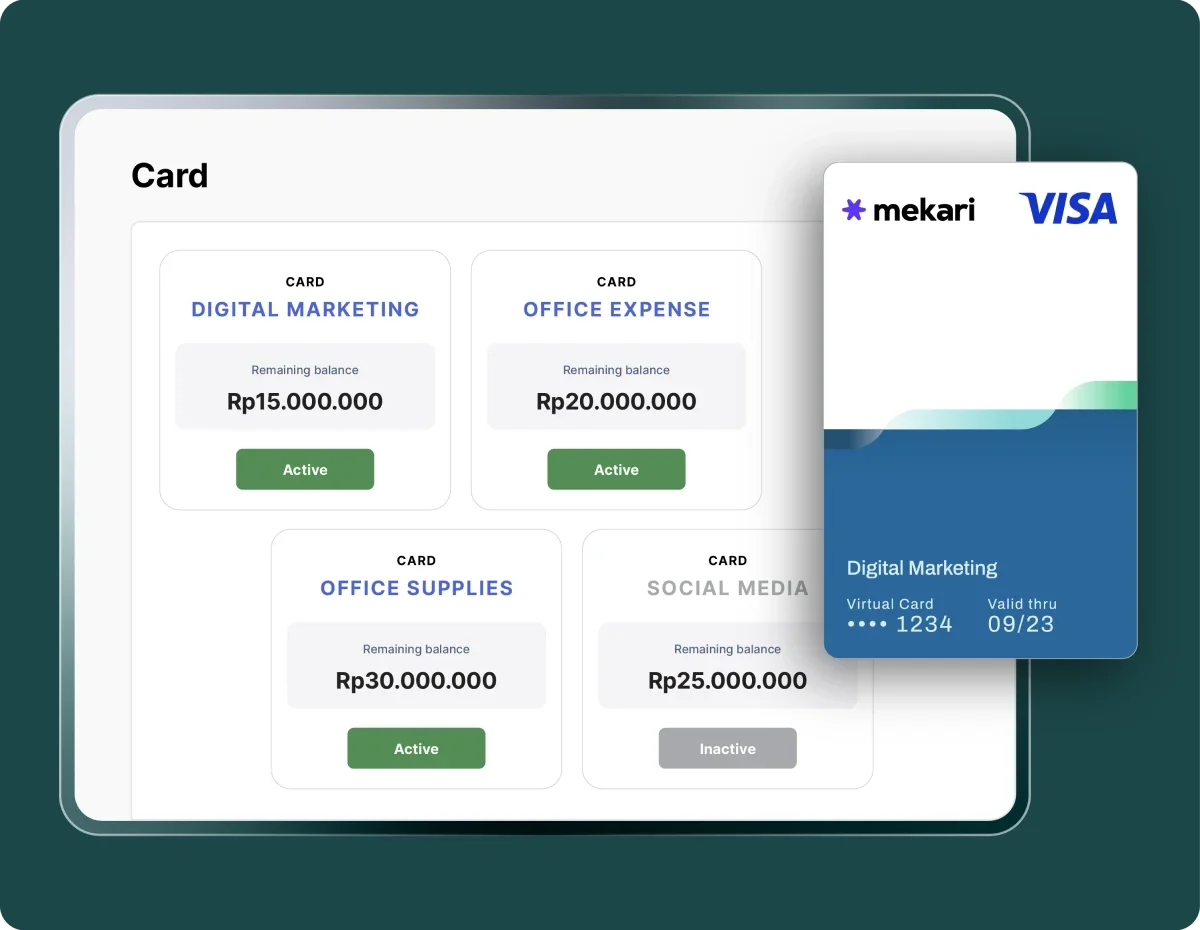
This is where you tailor the card to your company’s internal policies. Depending on the platform’s capabilities, you can customize:
- Spending limits: daily, monthly, project-based, or one-time caps,
- Validity period: permanent, recurring, or restricted to a specific event or timeline,
- Allowed categories: such as software subscriptions, travel bookings, advertising spend, etc.,
- Merchant-level restrictions: approve only certain vendors or block high-risk categories.
These rules help you safeguard against overspending, fraud, and policy violations, while giving teams the flexibility to move quickly.
5. Activate the card and deploy it to your team
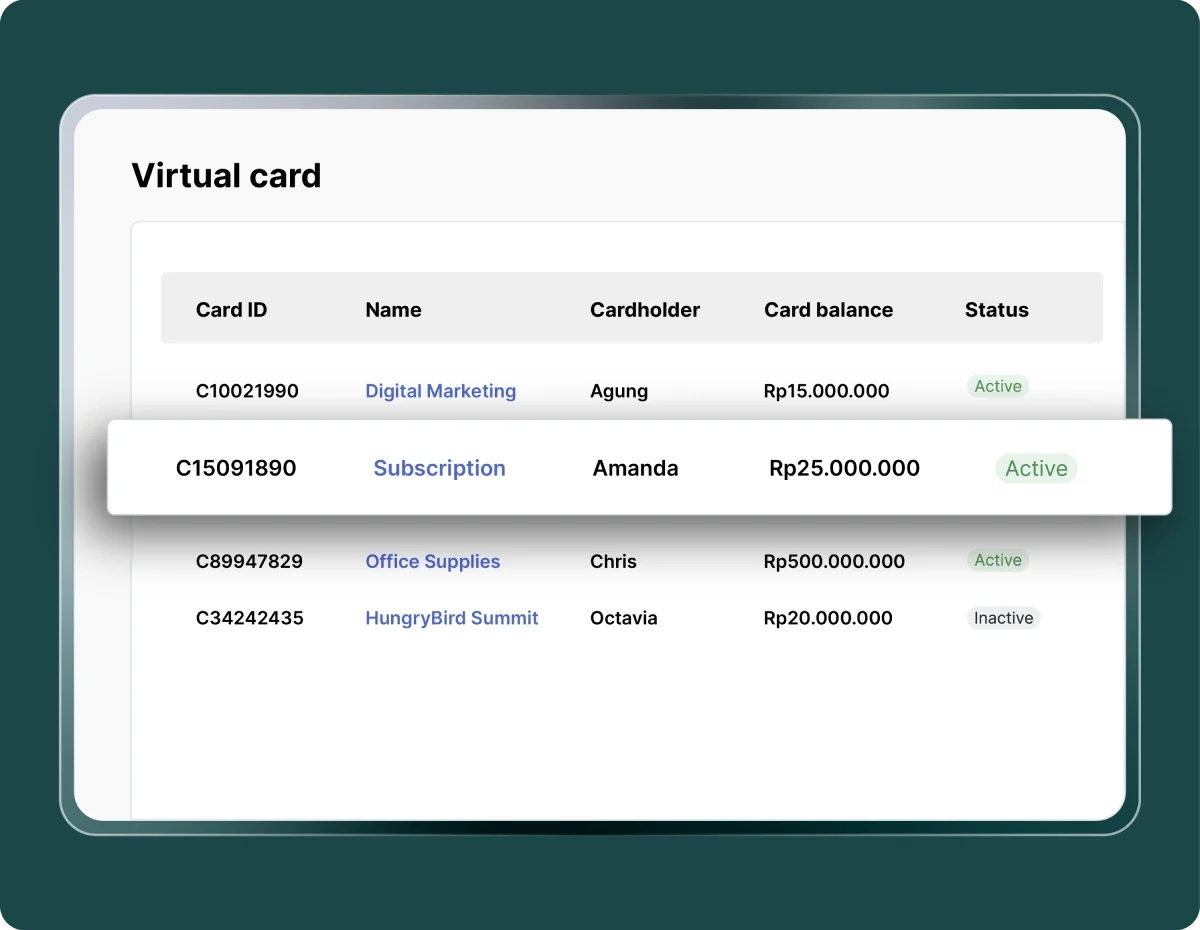
Once the configuration is saved, your virtual credit card becomes active instantly. No waiting for shipment, and no manual activation needed. From here, you can:
- Share the card details securely with team members,
- Assign each card to a department, project, or cost center,
- Enable additional security (PIN, 3D Secure, multi-factor authentication),
- Track and categorize every transaction as it happens,
- Pause, edit, or delete the card at any time with one click.
With everything centralized in the dashboard, finance teams can manage dozens, or even hundreds, of cards without losing control or transparency.
Non-bank VCC providers vs. banking-issued virtual credit cards
While both options let you make digital payments, the experience of applying for a virtual card can be dramatically different depending on whether you choose a non-bank provider or a traditional bank.
| Aspect | Non-bank VCC provider | Bank-issued virtual credit card |
|---|---|---|
| Application method | Fully digital; registration and e-signature handled through a dashboard or app with no in-person meetings required. | Mix of online and manual steps; often requires meeting a relationship manager, filling out paper forms, and signing physical documents. |
| Processing speed | Account verification takes 1–3 business days; virtual cards can be created instantly once approved. | Credit assessment typically takes 14–30 days; cards are issued 7–14 days after approval. |
| Document requirements | Minimal documents: basic company registration, NIB, tax ID, and director’s ID; no audited financials required. | Extensive paperwork: full legal documents, two years of audited financial statements, bank statements, and tax IDs of directors and shareholders. |
| Credit evaluation | Flexible models using prepaid balances, transaction data, or top-up history; prepaid versions do not require BI Checking (SLIK). | Traditional credit review based on profitability, financial statements, and mandatory SLIK OJK checks. |
| Collateral requirement | Generally no collateral; some providers may use a deposit-based model. | Collateral or personal guarantee is common, especially for newly established businesses. |
| Number of cards available | Unlimited; businesses can generate multiple cards instantly from the dashboard. | Limited; each additional card must go through the bank’s approval process. |
Baca Juga: Prepaid Business Expense Cards: Simplifying Business Spending
The best virtual credit card option for modern businesses
With so many virtual card solutions available, choosing the right one can make a real difference in how efficiently your business manages spending.
For companies that want speed, flexibility, and full control, the Mekari Limitless Card stands out as the most practical choice.
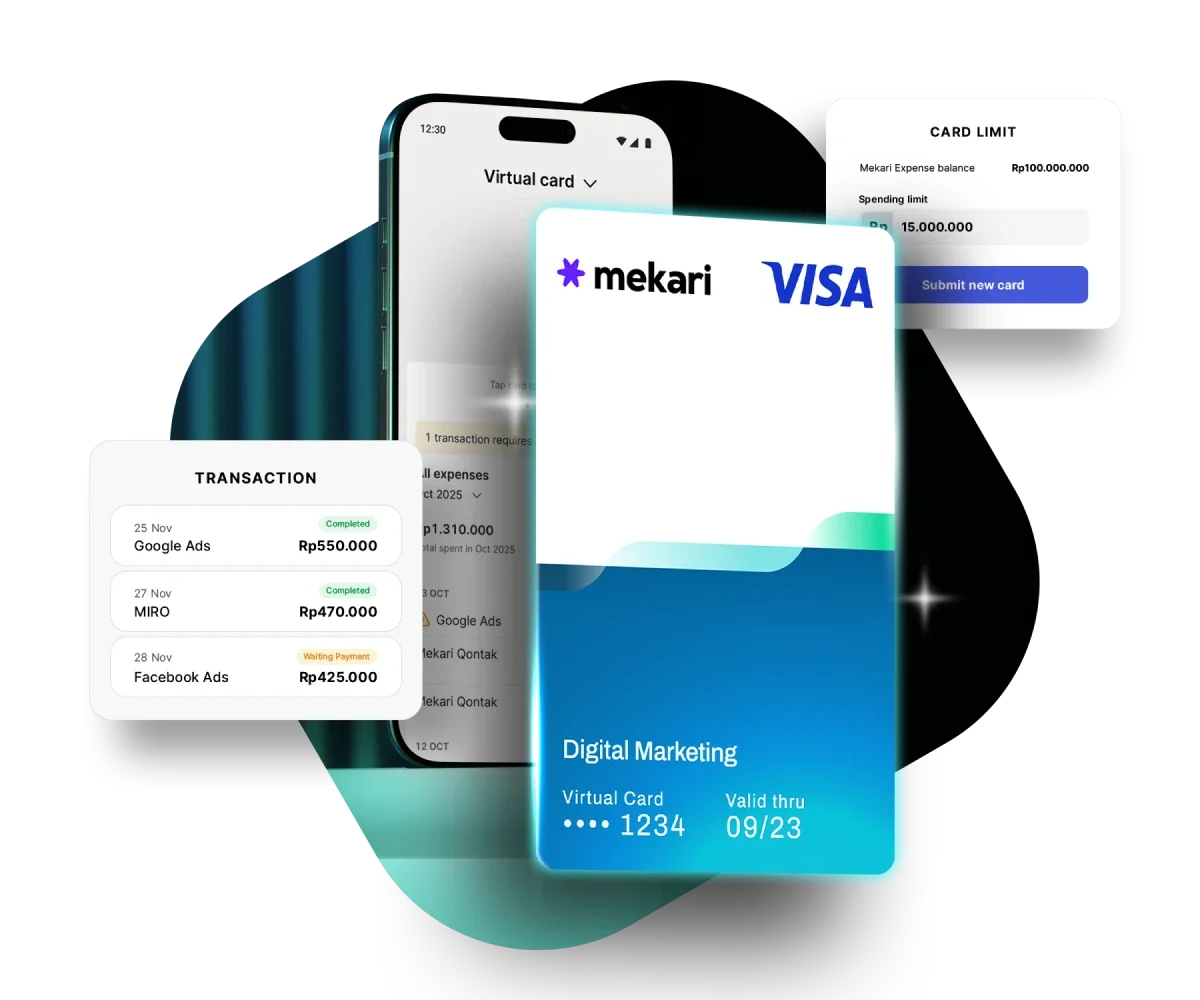
Unlike traditional bank-issued cards, which often involve lengthy approvals and heavy documentation, VCC from Mekari Limitless Card is built for fast-moving teams. Here’s what makes it a strong fit for business use:
- A fully digital application that doesn’t require physical documents or in-person verification
- Instant approval, allowing the card to be used within seconds
- The ability to create customized cards for each team, project, or vendor with tailored limits and spending rules
- Direct integration with Mekari Expense for real-time monitoring, budgeting, and reporting
- No annual fees, no interest charges, and no hidden transaction costs
- Automatic reconciliation of card transactions against receipts through Mekari Expense’s OCR-enabled Accounts Payable module
If your business needs a secure, flexible, and centrally managed way to handle day-to-day expenses, Mekari Limitless Card delivers a streamlined solution that’s ready to scale with your operations.
Frequently Asked Questions
Is a virtual credit card safe to use for business transactions?
Is a virtual credit card safe to use for business transactions?
Yes, virtual credit cards are generally safer than physical cards because they can be restricted to specific vendors, categories, or transactions, and can be frozen instantly if suspicious activity is detected.
Can a virtual credit card be used for international payments?
Can a virtual credit card be used for international payments?
It depends on the provider; most VCCs support cross-border transactions, but you should check each provider’s supported currencies and conversion fees.
How long does verification take to get a business virtual credit card?
How long does verification take to get a business virtual credit card?
For non-bank providers, it’s typically 1–3 business days, much faster than bank-issued credit cards, which can take 14–30 days.