


Modern vendor portal with AI-powered automation
Monitor vendor payment processes to prevent duplication, data errors, and fraud risks with AI technology.














One integrated portal for the entire vendor process
Manage vendor information with real-time transparency and centralized control.
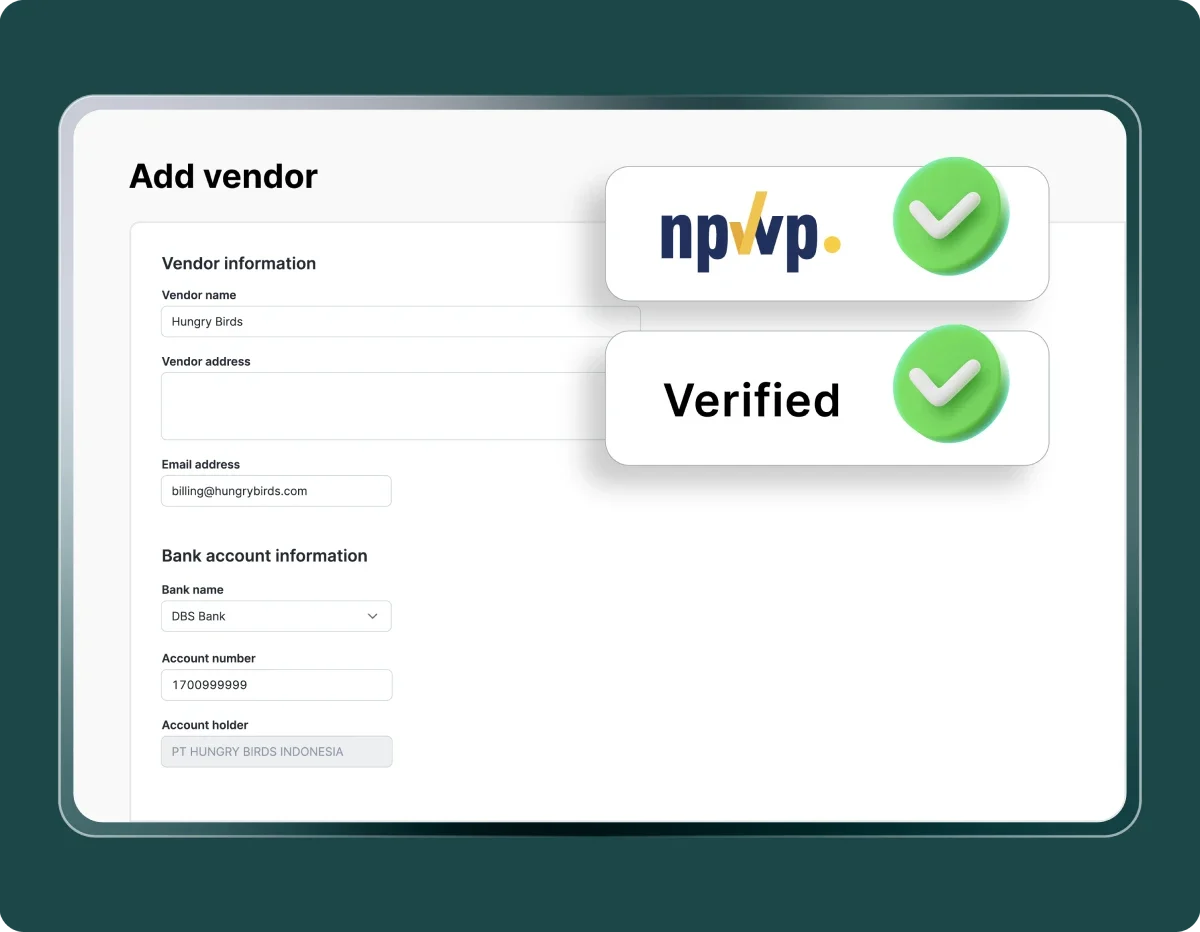
Vendor onboarding (coming soon)
Accelerate collaboration with new vendors through automated verification of data, legal documents, and tax ID (NPWP).
Restrict vendor usage (coming soon)
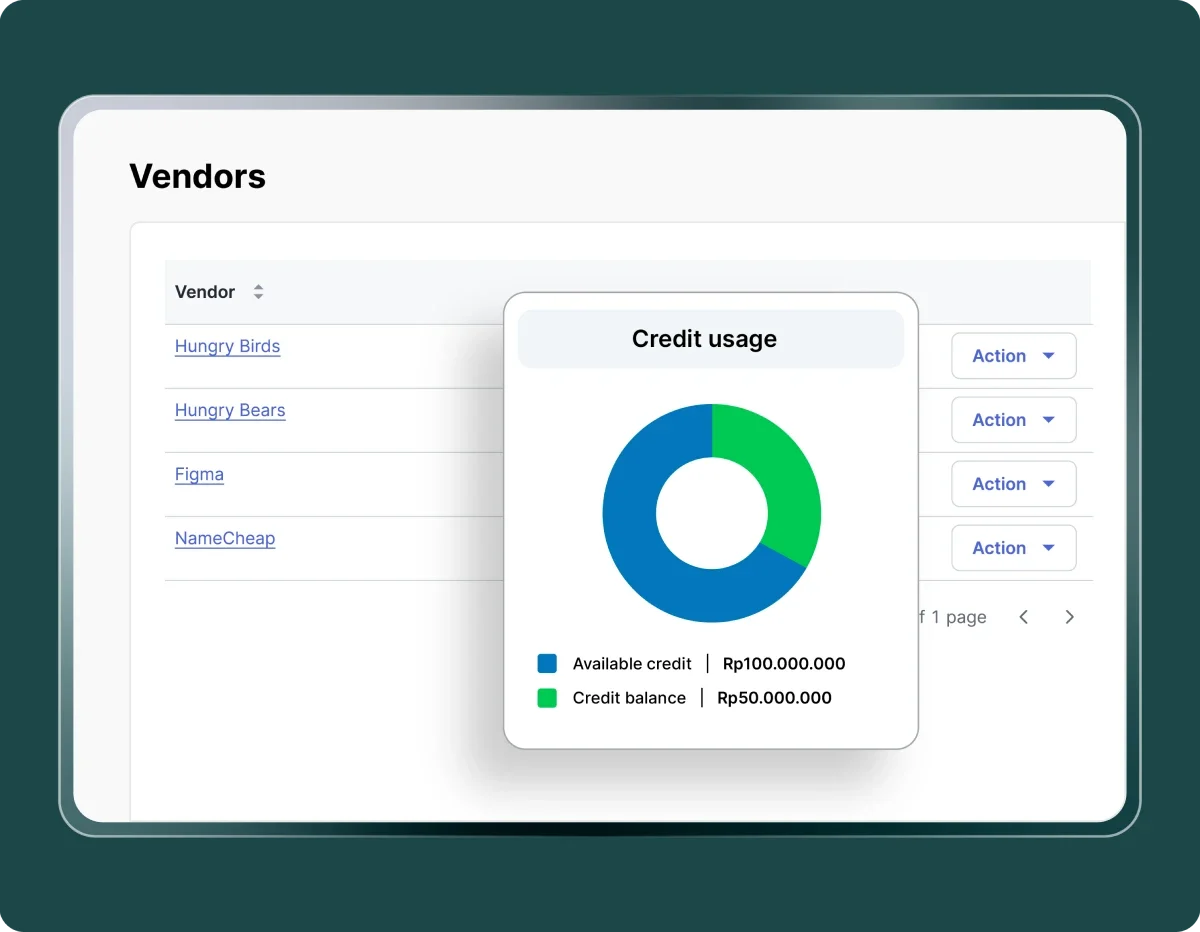
Set limitations based on invoice aging or total outstanding balance.
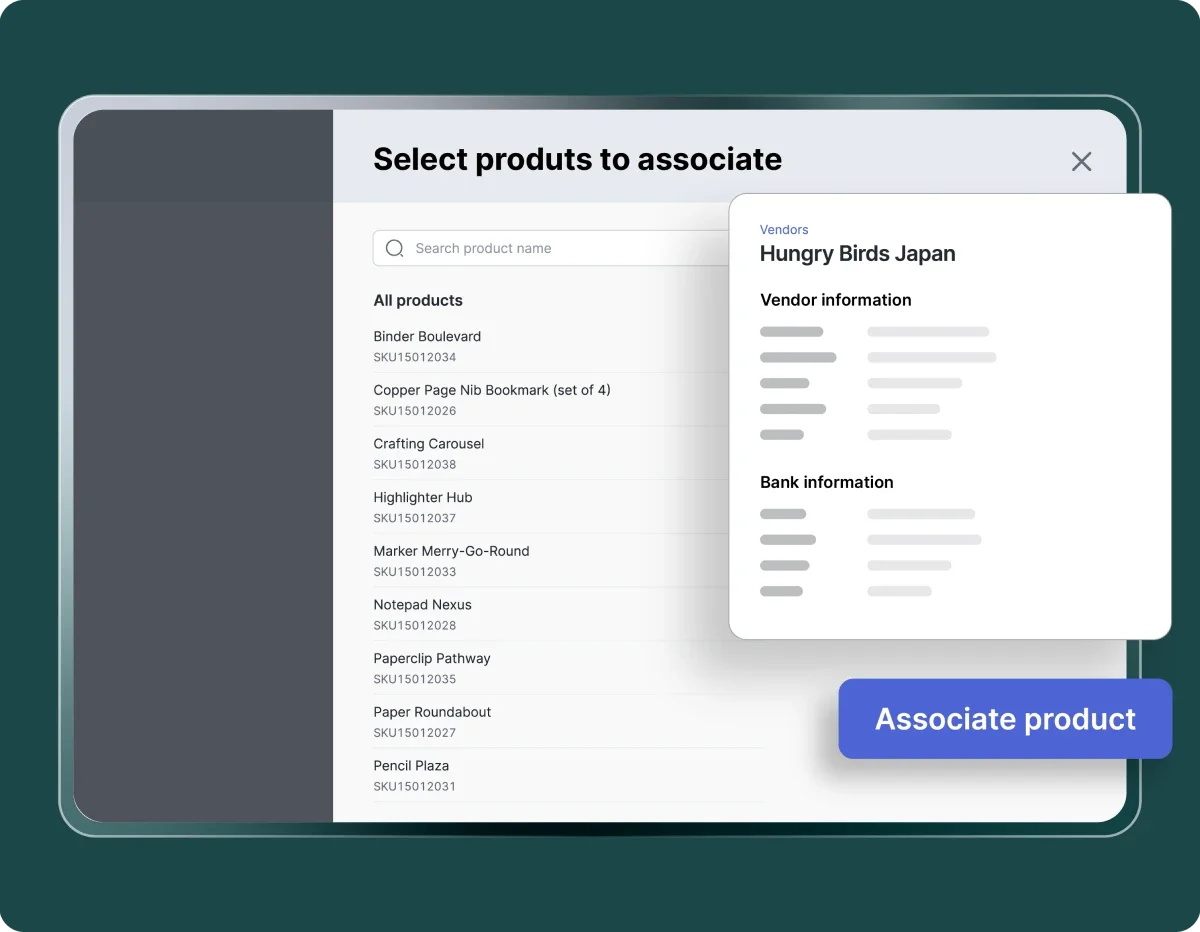
Link vendors to products
Configure vendor connections down to the item level to support more precise procurement control.
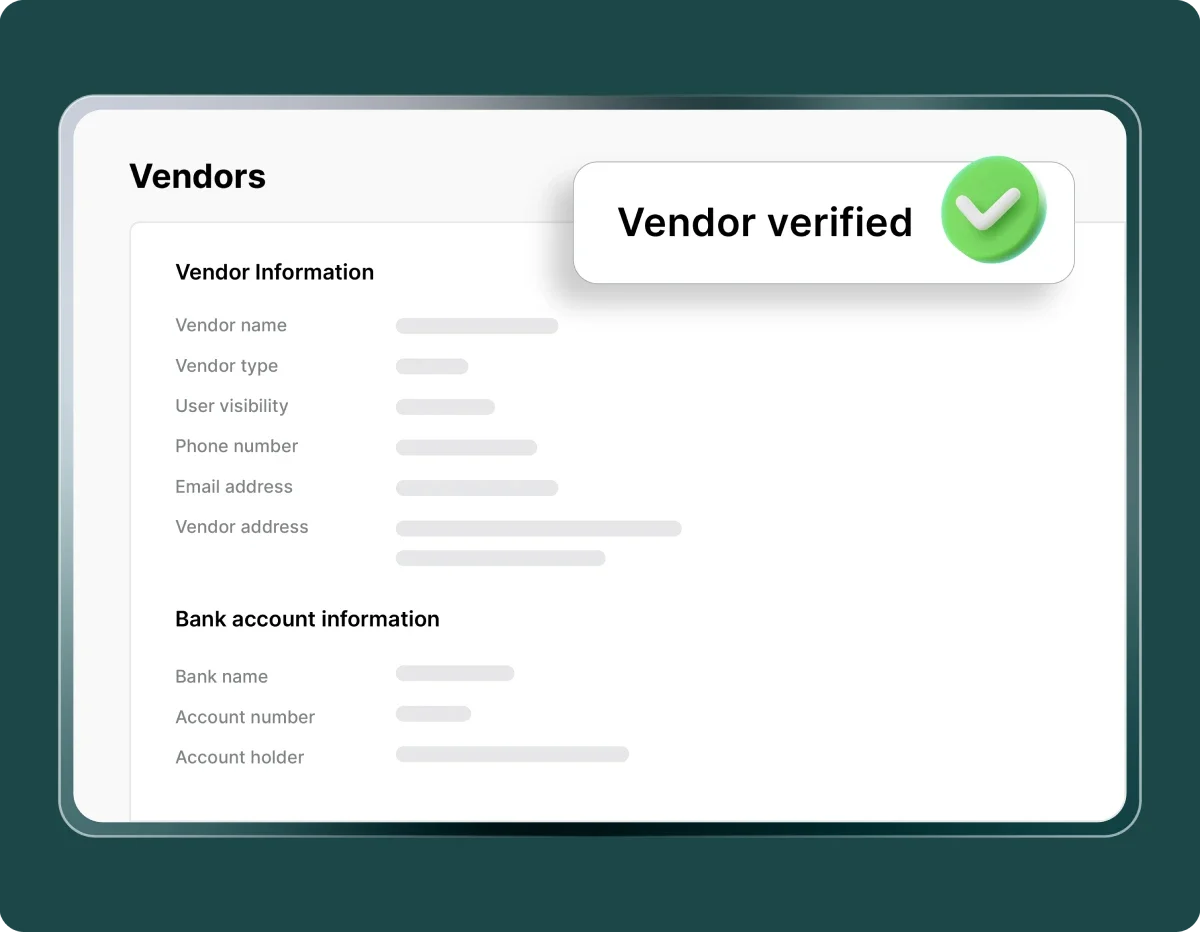
Custom vendor workflow (coming soon)
Define approval flows for new vendors before they can be used in PQ, PO, and PI.
Verified vendors, controlled procurement
All purchasing decisions become safer with transparent and standardized vendor processes.
Guaranteed vendor compliance

Stronger risk control

Procurement accuracy

Vendor status visibility

More efficient procurement process

Audit-ready and transparent

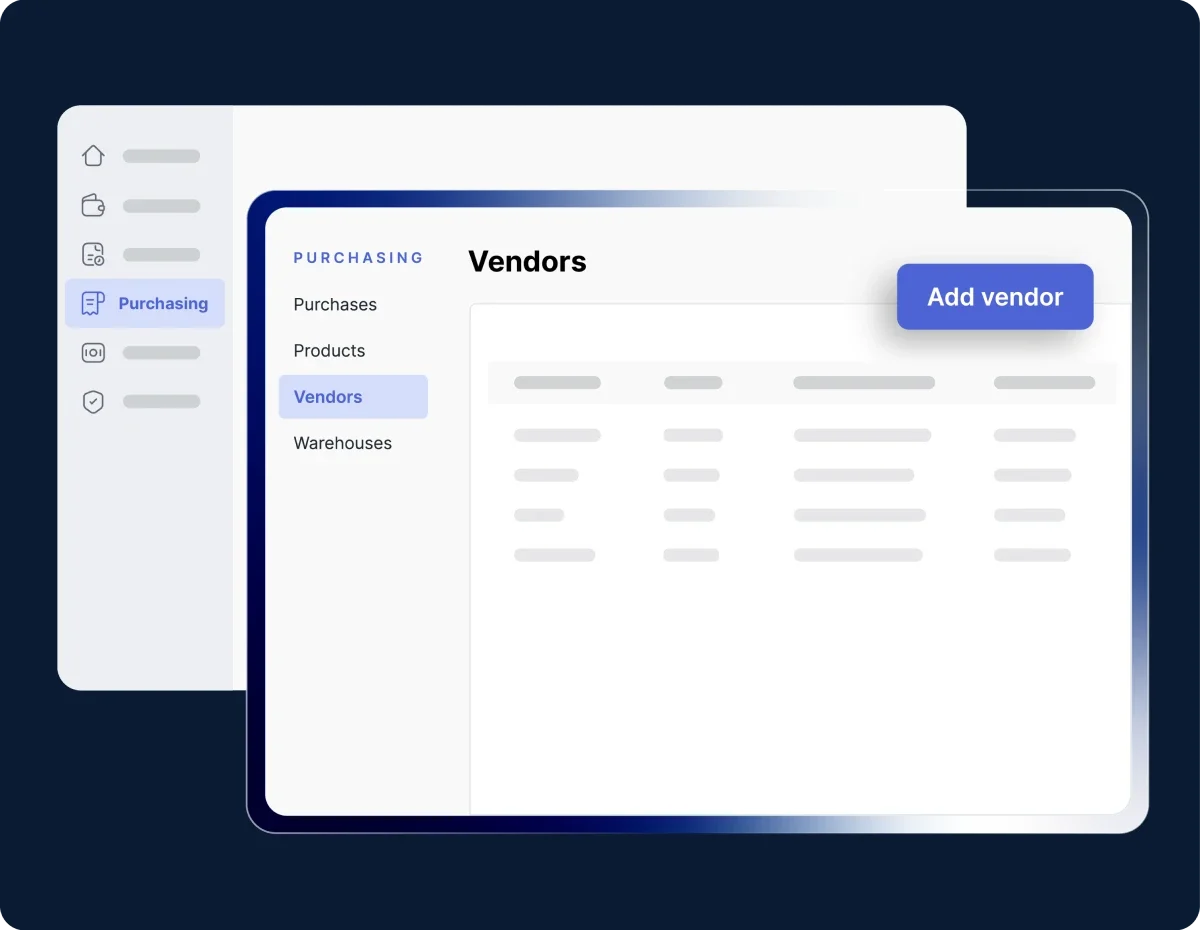
Open the Vendor menu
Go to Purchasing → Vendor tab, then select Add vendor to create a new vendor record.
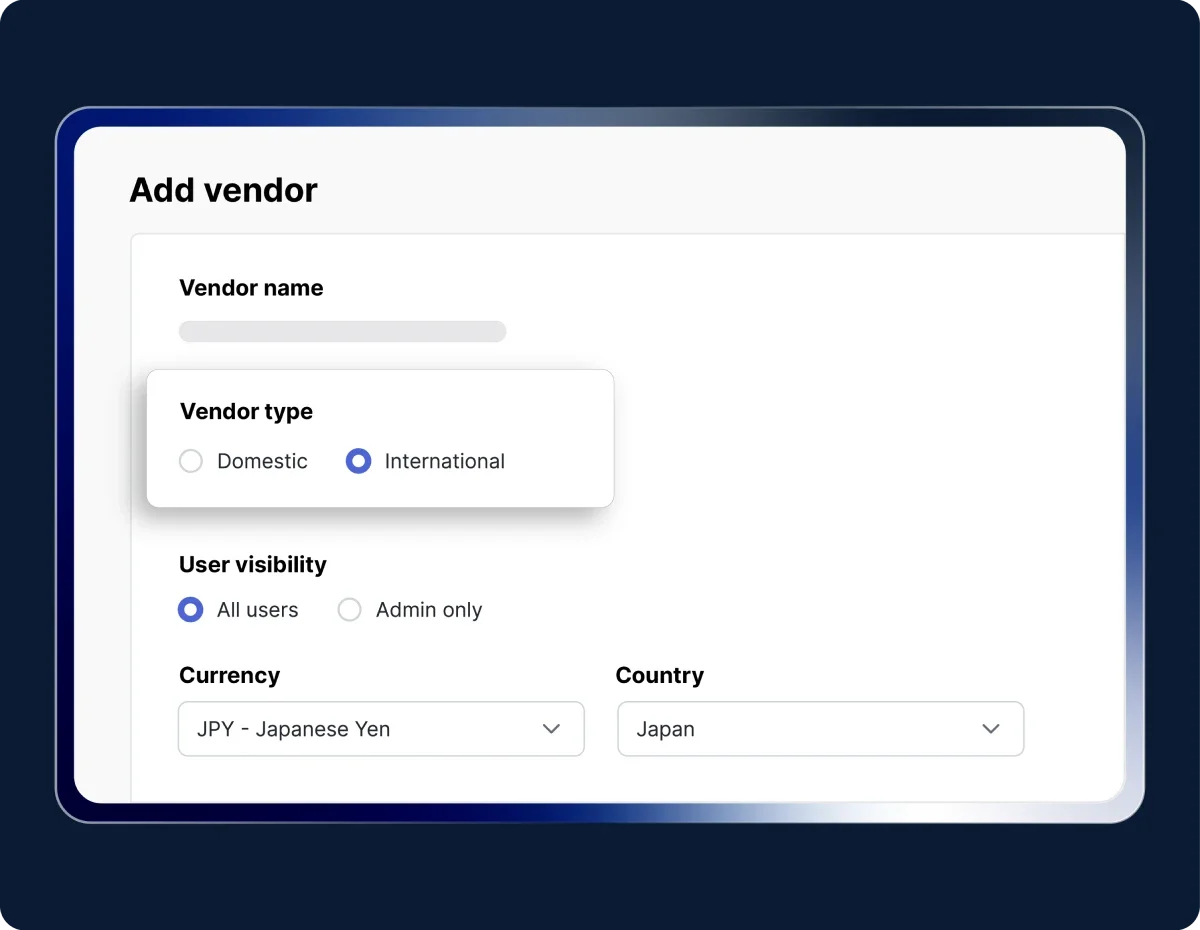
Fill in vendor information
Choose the vendor type: Domestic or International, then complete the required details.
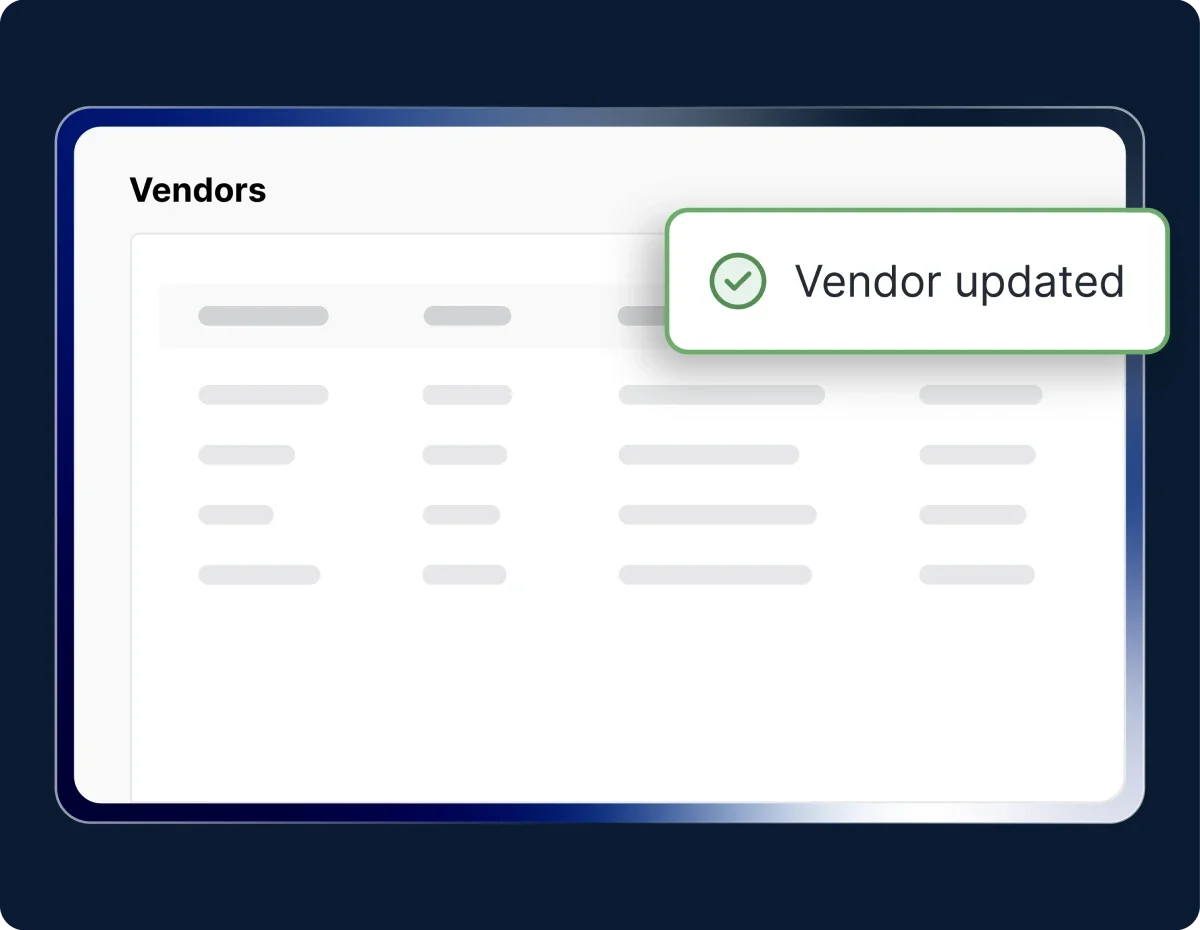
Save and manage the vendor
Click Save to add the vendor. The vendor will appear in the list, and you can manage its data through the Actions menu.
Work more efficiently with an integrated system
Semua invoice terkelola rapi
Dengar pelanggan kami yang sudah mengatur pembayaran vendor lebih cepat dan transparan di satu aplikasi.
"With Mekari Expense, the fulfillment of our business trip transactions and reimbursements is greatly helped. The status of every submission is truly monitored, the reference is clear, and there is an edit history."

"Sekarang proses pengajuan biaya jadi lebih cepat, bahkan bisa malam jam 10 tanpa harus nunggu besok. Paperless juga, jadi semua langsung terekam dan mengurangi kesalahan Kami dapat waktu lebih karena urusan operasional makin rapi. Waktu ini yang kami pakai untuk strategi dan pengembangan bisnis"

"Mekari Expense menyederhanakan pencatatan pengeluaran, memusatkan data untuk pelaporan, dan meningkatkan transparansi. Persetujuan via ponsel praktis, antarmuka web ramah pengguna, sehingga efisiensi operasional dan kepuasan karyawan meningkat."

I have a question...
What is the Vendor Portal in Mekari Expense?
The Vendor Portal is a centralized system for managing vendor data, review processes, invoice submissions, and payment status in a fully digital and standardized workflow.
Why do companies need vendor verification before creating a PO or PI?
Vendor verification ensures that vendors have complete legal documents (SIUP, NPWP, NIB, or international documents) and have been internally approved before being used in any transaction. This process improves compliance, prevents fraud, and makes purchasing safer.
How does the vendor approval workflow work in Mekari Expense?
Companies can create a dedicated approval flow for vendors. New vendors will go through a process of review → document validation → approval or rejection. Only approved vendors will appear when the team creates a PQ, PO, or PI.
How can companies restrict problematic vendors?
Through the Vendor Restriction feature, companies can limit vendor usage based on:
- Aging: how long invoices remain unpaid
- Amount: total outstanding balance
If the limit is exceeded, the system can either block the vendor or display a warning when the team creates a PO or PI.
Is the Vendor Portal integrated with the purchasing process?
Yes. A vendor can only be used in PQ, PO, and PI if its status and documents meet the required conditions.
Safer and centralized vendor management
Verify, control, and manage all vendors in one integrated system in Mekari Expense.