


Manage product data in one centralized system
Ensure all product data is always accurate and ready to use in every purchasing process.


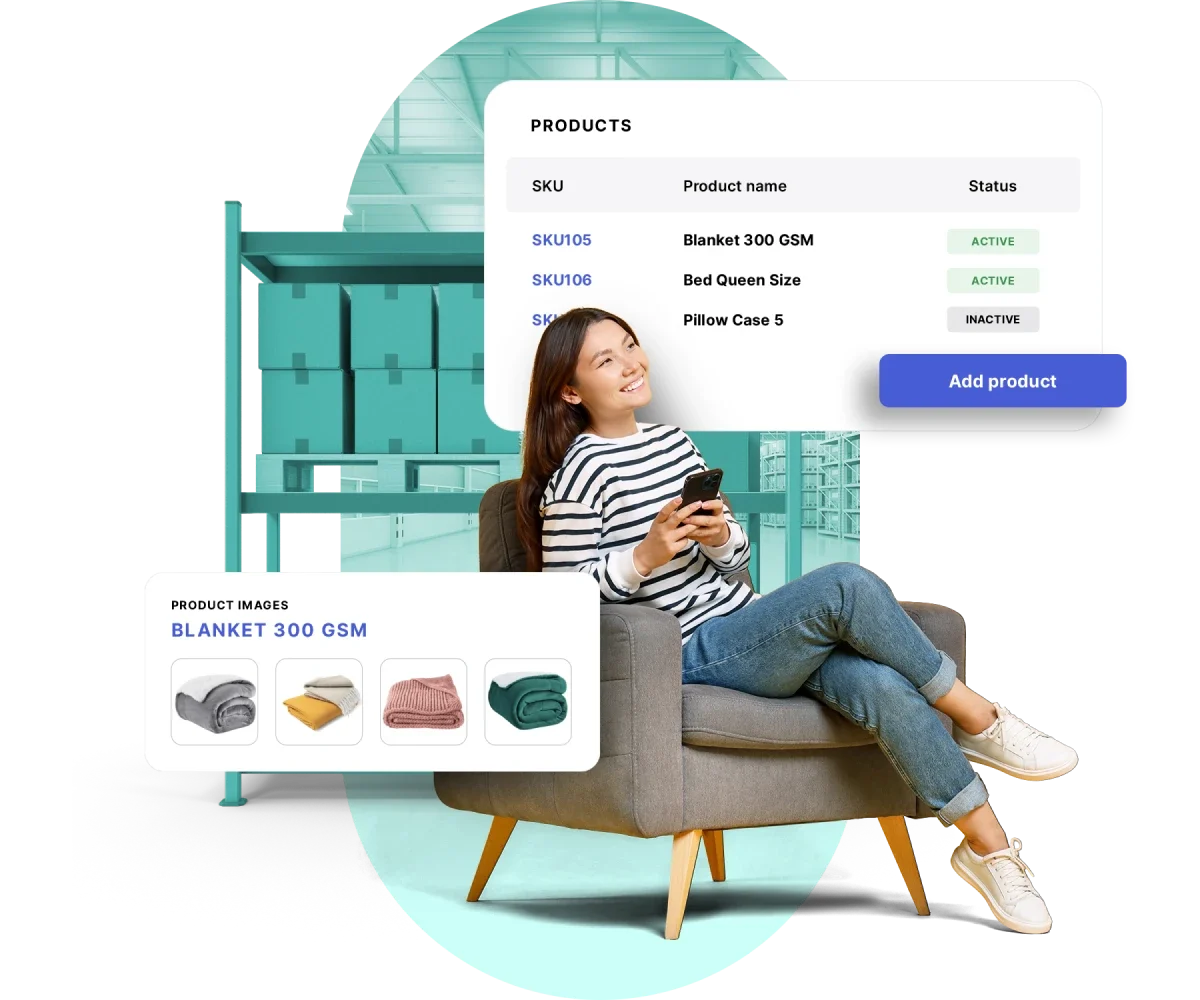












Centralized catalog for faster purchasing
Manage product catalogs, pricing, and SKUs in one accurate, centralized system to keep every purchasing transaction consistent and free from data discrepancies.
Centralized catalog
A single product database used by all teams to prevent duplication and information mismatches.
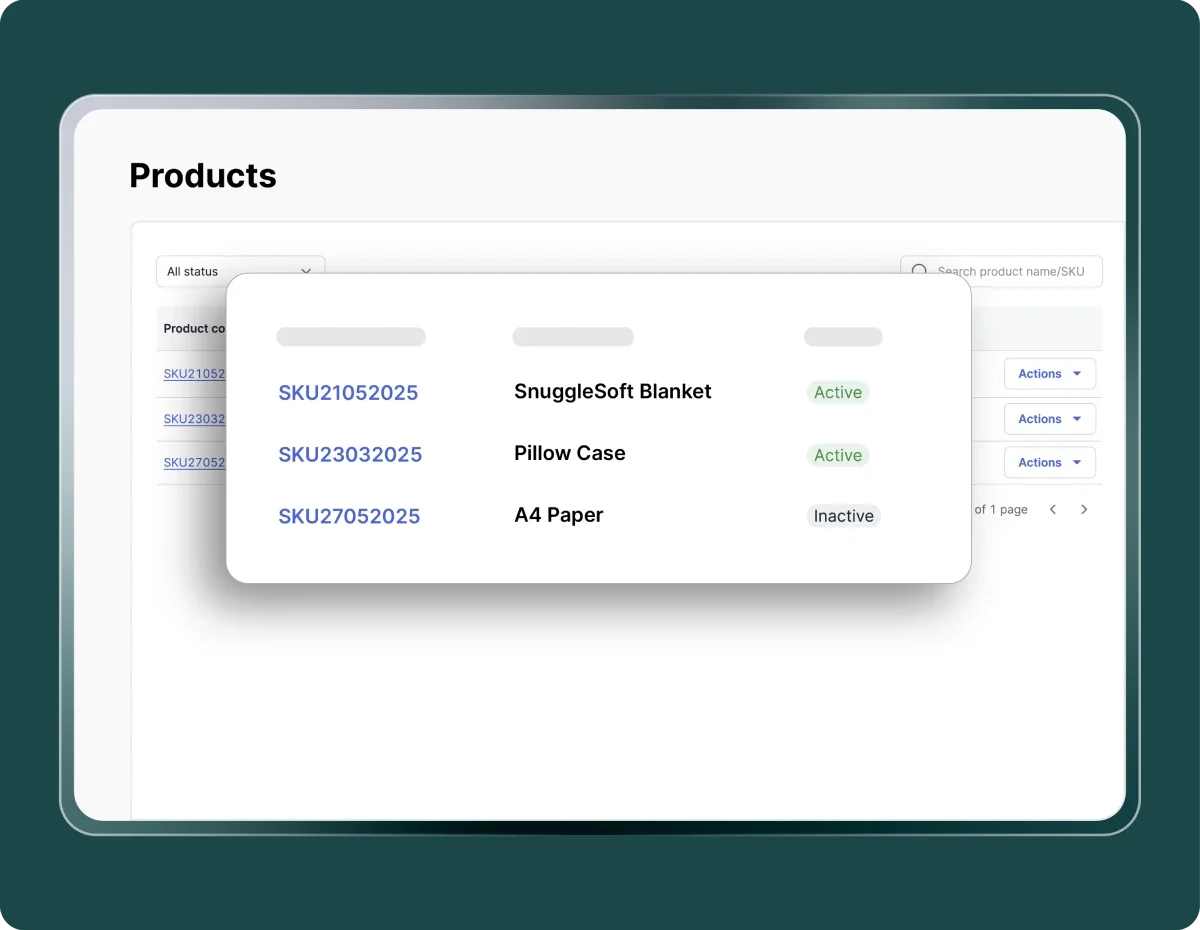
SKU control
Set official SKUs to ensure every purchase follows company standards.

Integration with purchase orders
Product data is automatically populated in POs without manual input, making the process faster and reducing errors.

Real-time updates
Every change is instantly synchronized across the entire system.
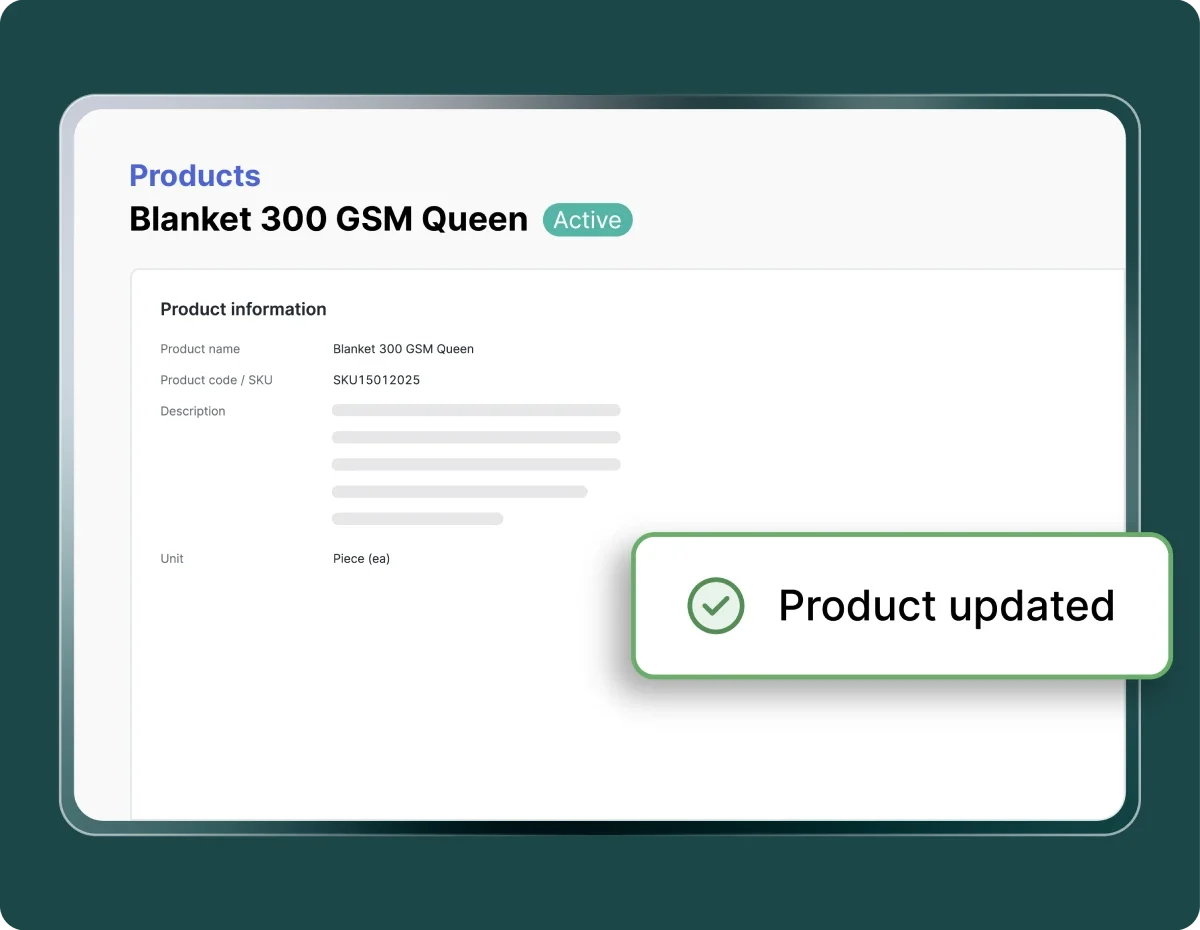
Product and price control
Monitor, update, and validate product data directly from Mekari Expense.
Consistent product data

Stronger price control

End-to-end integration

Real-time data updates

Procurement process efficiency

Security and access control

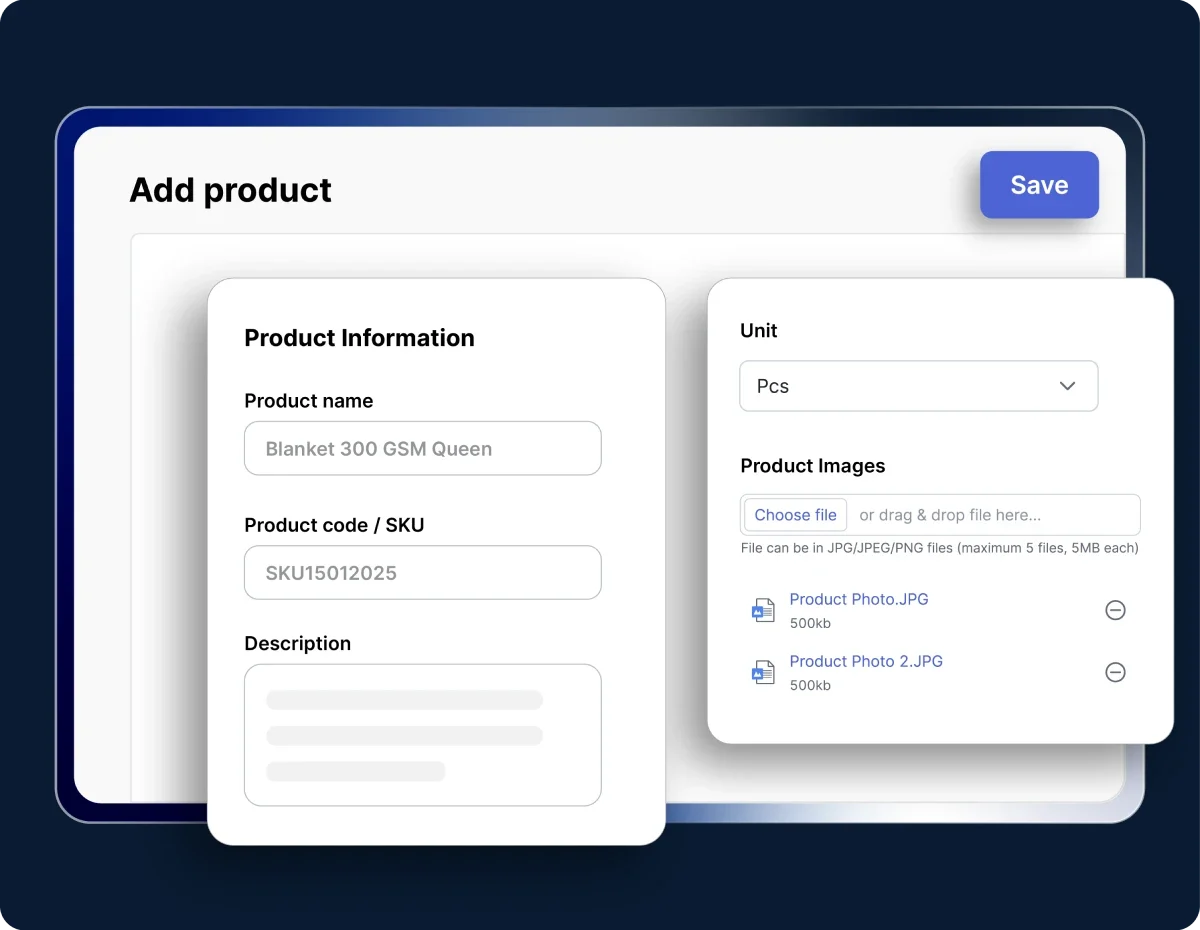
Add a new product
Click Add product to create a new item. Fill in details such as name, code/SKU, description, unit, and upload an image if needed.
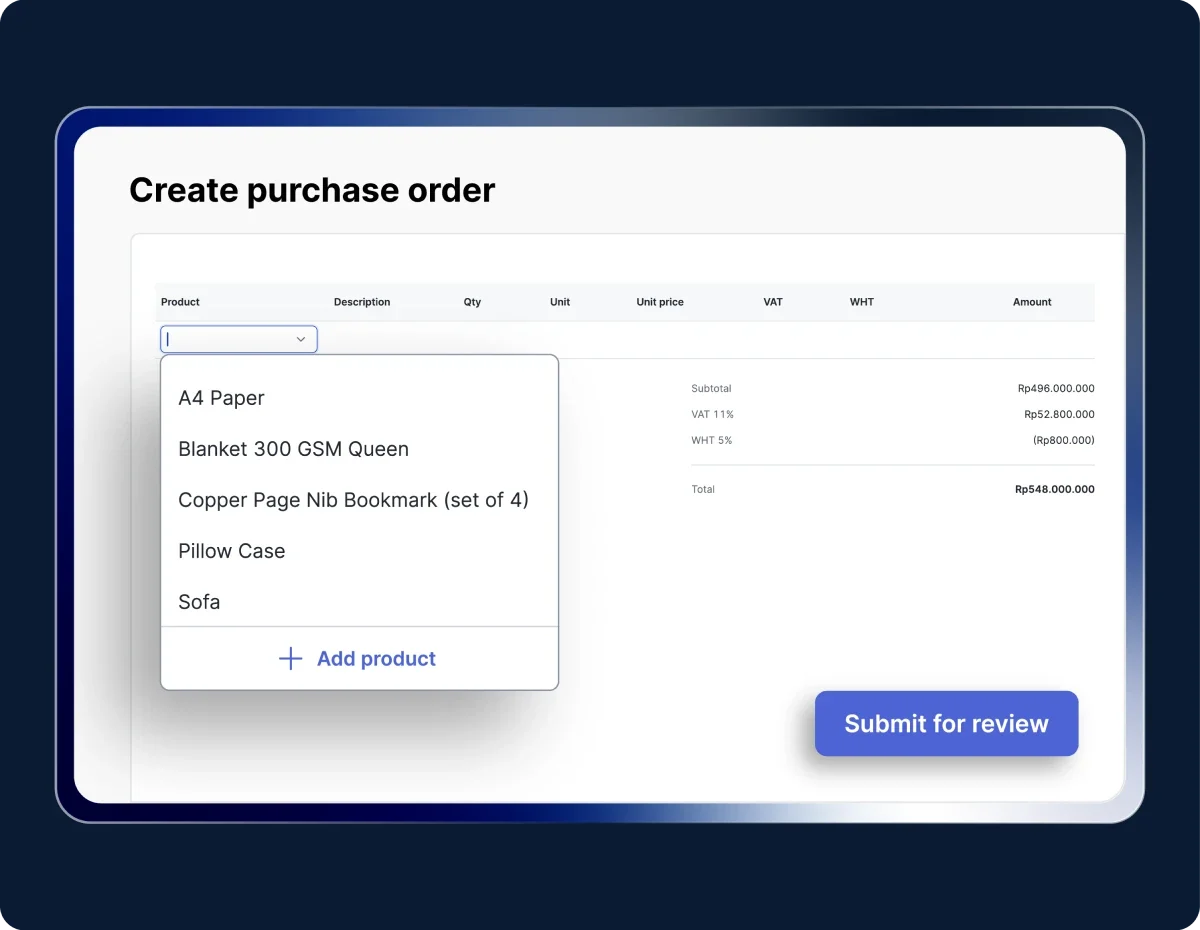
Save and use
Once saved, the product is automatically available when creating a PR or PO, ensuring consistent data across every transaction.

Manage and update
View details, edit, or deactivate products directly from the Products tab anytime. All changes are automatically synchronized across the system.
Work more efficiently with an integrated system
Semua invoice terkelola rapi
Dengar pelanggan kami yang sudah mengatur pembayaran vendor lebih cepat dan transparan di satu aplikasi.
"With Mekari Expense, the fulfillment of our business trip transactions and reimbursements is greatly helped. The status of every submission is truly monitored, the reference is clear, and there is an edit history."

"Sekarang proses pengajuan biaya jadi lebih cepat, bahkan bisa malam jam 10 tanpa harus nunggu besok. Paperless juga, jadi semua langsung terekam dan mengurangi kesalahan Kami dapat waktu lebih karena urusan operasional makin rapi. Waktu ini yang kami pakai untuk strategi dan pengembangan bisnis"

"Mekari Expense menyederhanakan pencatatan pengeluaran, memusatkan data untuk pelaporan, dan meningkatkan transparansi. Persetujuan via ponsel praktis, antarmuka web ramah pengguna, sehingga efisiensi operasional dan kepuasan karyawan meningkat."

I have a question...
What is the Product Management feature in Mekari Expense?
Product Management is a feature that allows you to manage your company’s product and service catalog centrally. Information such as name, SKU, price, and description is stored in one place to make the purchasing process faster and more accurate.
How does the Product Management feature improve procurement efficiency?
With a centralized catalog, the procurement team no longer needs to manually input data or search for pricing information from multiple sources. All products are ready to use when creating PRs or POs, saving time and reducing the risk of input errors.
Is the Product Management feature connected to other modules in Mekari Expense?
Yes. The product list is integrated with Purchasing modules such as Purchase Request, Purchase Order, and Purchase Invoice. Each transaction automatically uses the registered product data without re-entry.
How do I add a new product in Mekari Expense?
Go to Purchasing → Products, click Add product, then fill in the details such as name, SKU, and description. Once saved, the product will appear in the list and can be used in purchasing transactions immediately.
How can I get the Product Management feature?
The Product Management feature is available in the Enterprise package. If you need assistance or encounter any issues, our support team is ready to help anytime.
Easier and simpler product management
Manage your product catalog in one centralized place and ensure prices and SKUs stay accurate in every purchasing transaction through Mekari Expense.